Precision in
every dimension
Architecture, acoustics, and the engineering decisions behind sound that disappears into the room.
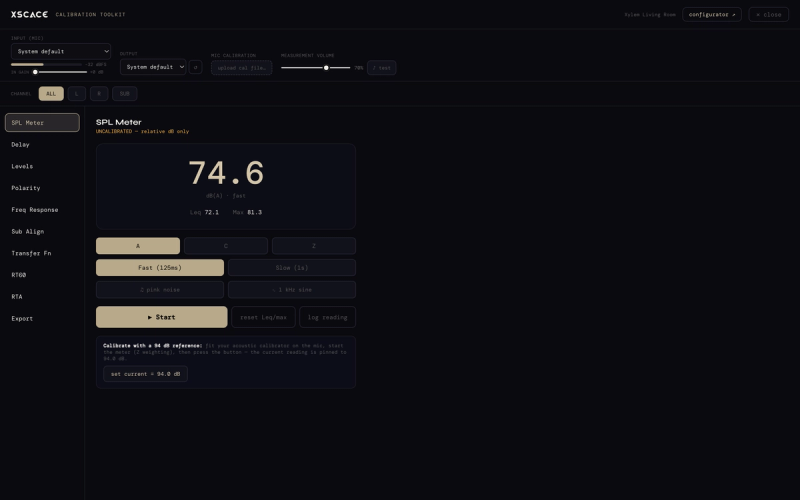
Smaart, REW and What Else: Choosing Room Acoustics Measurement Software
Smaart and Room EQ Wizard are the most-searched room acoustics measurement software there is. An honest look at what each does best, and where XSCACE Studio sits beside them.
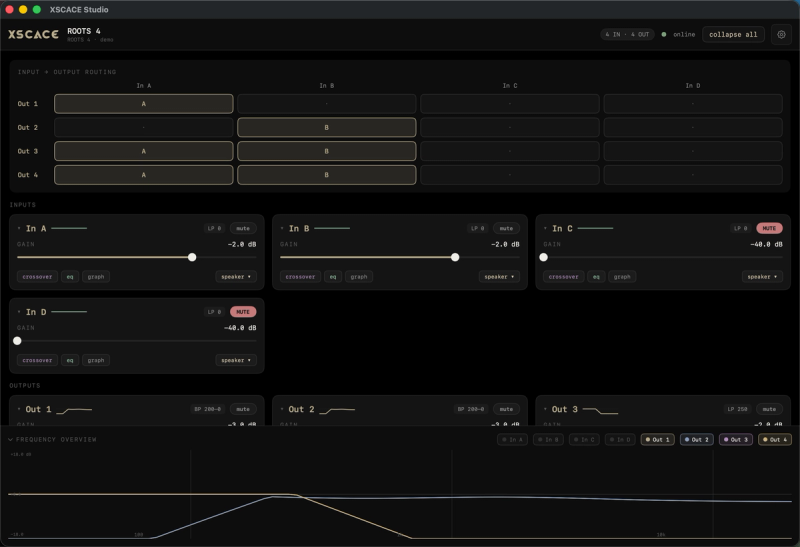
Root 4 Now Runs on XSCACE Studio
Root-series amplifiers are now discovered, configured and calibrated in XSCACE Studio on macOS — the same application that runs the Xylem series, with the room-measurement tools the original Windows editor never had.
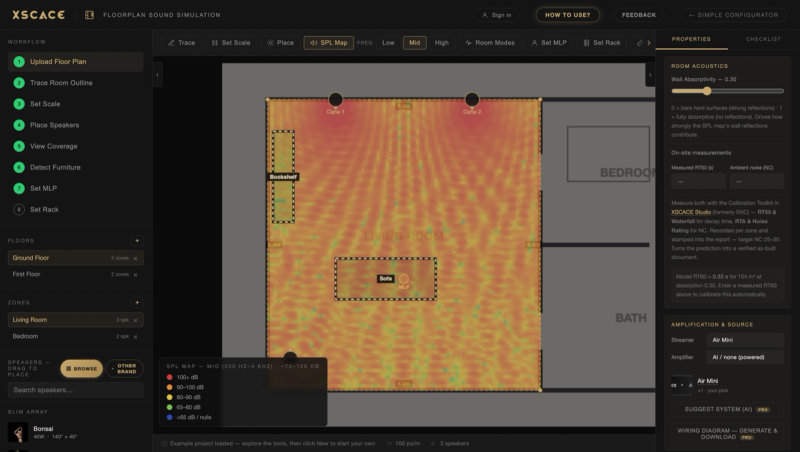
From Floor Plan to Quote in One Afternoon
How the XSCACE Floorplan Sound Simulation turns a plan into predicted coverage, a bill of quantities and a client-ready report — free to start.
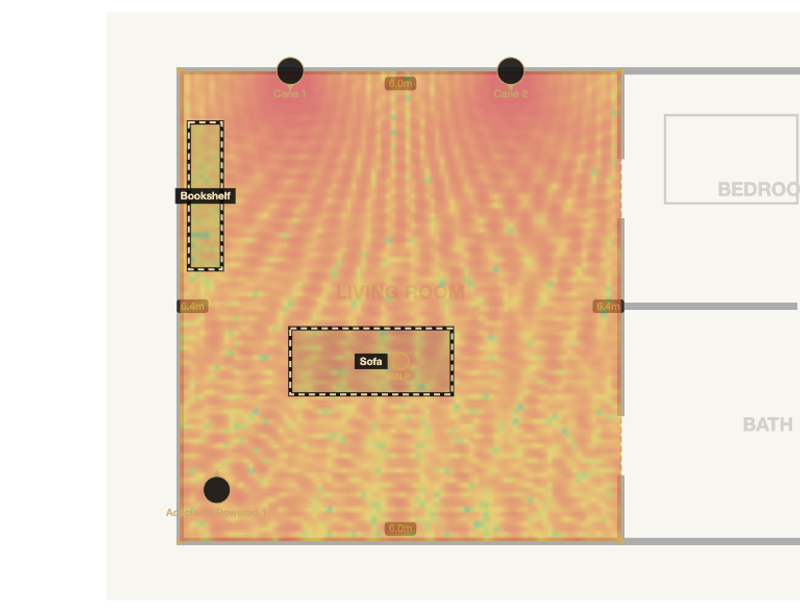
How to Create an Audio BOQ: A Guide for AV Integrators
How to build an audio bill of quantities automatically — per floor and zone, with Excel round-trip, twelve currencies and a client-ready PDF report.
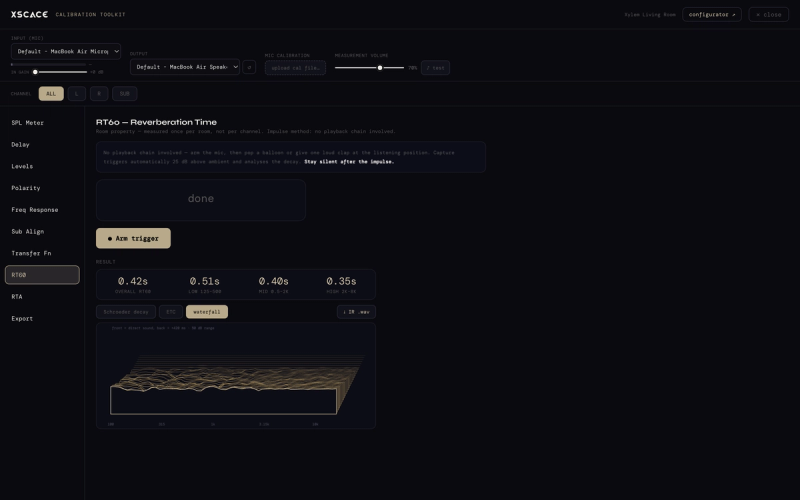
Audio Calibration Software for AV Integrators: The Complete Guide
What audio calibration software measures, all 11 instruments in the XSCACE Studio toolkit, and how a commissioning pass runs.
Floorplan Sound Simulation: A Guide for AV Integrators
How the free XSCACE Floorplan Sound Simulation predicts SPL coverage, room modes, reflections and stereo imaging — then builds the BOQ and client report.
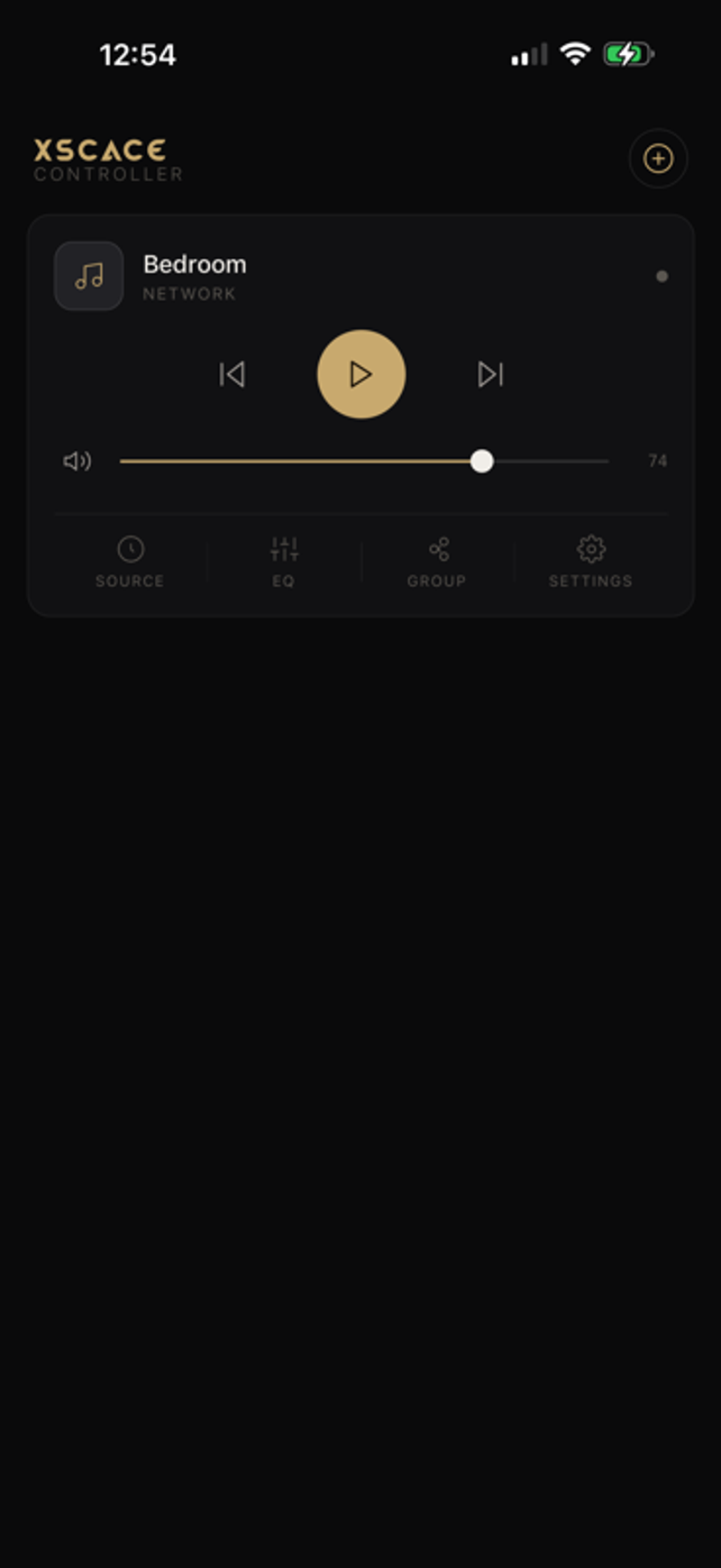
XSCACE Controller: Every Feature in the App, Explained
Every feature in the XSCACE Controller app for Air Amp and Air Mini: X-Sense AI calibration, six sound profiles, 10-band EQ, AirPlay 2 and multi-room grouping.
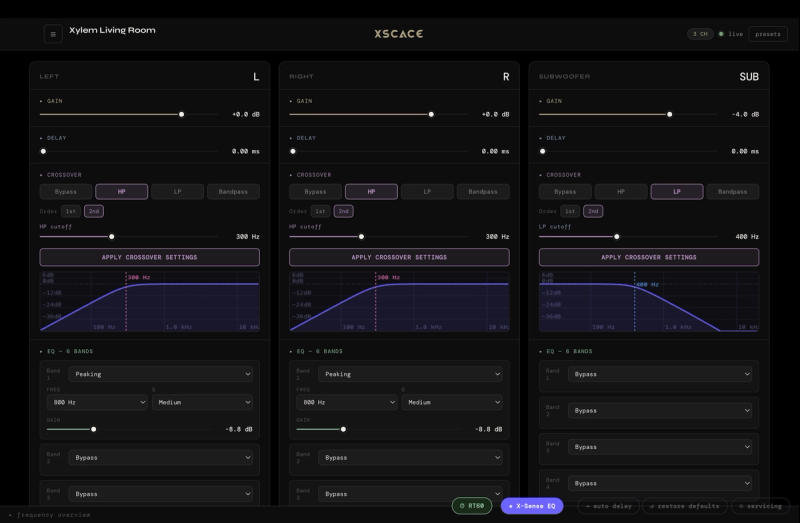
XSCACE Studio: Every Feature in the Desktop DSP App, Explained
Live DSP editing, auto delay to 27ms, per-channel routing, and RT60-based room correction — a full walkthrough of the Mac and Windows app that configures every XSCACE Xylem DSP amplifier.