XSCACE Studio
DSP control, intelligent room correction and a full professional calibration suite.
XSCACE Studio is the command centre for XSCACE DSP amplifiers — the Xylem series and, as of August 2026, the Root series. It discovers every device on the network, exposes the complete DSP — routing matrix, gain, delay, crossovers, parametric EQ on both inputs and outputs — and layers three intelligent systems on top: PsySculpt low extension, X-Sense room correction, and an eleven-instrument Calibration Toolkit that measures the room and writes the correction back to the amplifier in one app. Its delay measurement agrees with REW to 0.01 ms, and where a reading cannot be defended it refuses rather than reporting a number.
One app. Three jobs.
XSCACE Studio finds every Xylem and Root amplifier on the network and does the whole commissioning from the listening seat — tune it, measure the room, correct it, prove it.
Tune
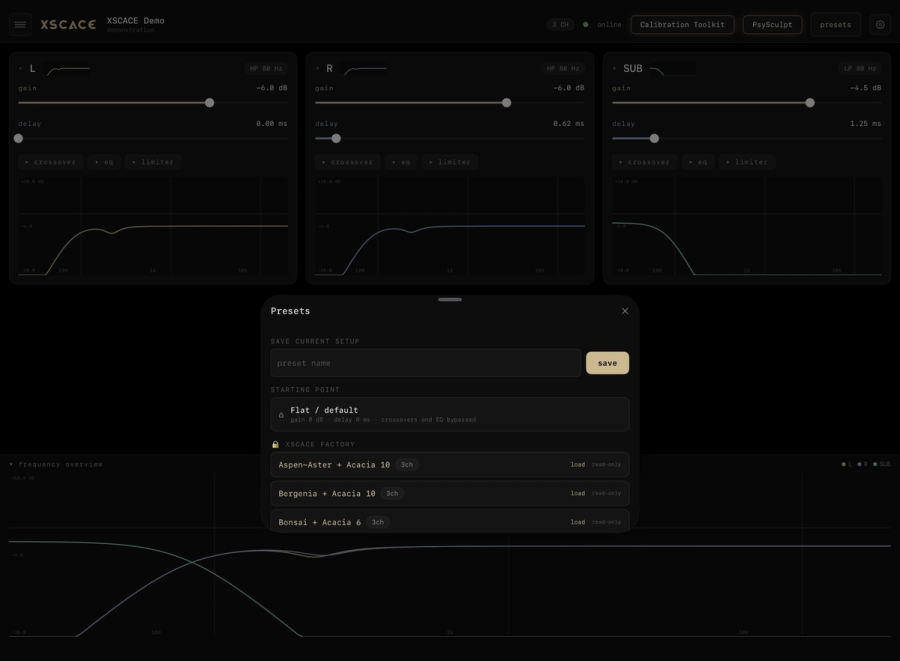
Gain, delay, four crossover modes, six-band EQ and a limiter per channel — edited live, with the music playing, and written to the amplifier so it survives a power cut.
Measure
A measurement microphone at the seat and eleven instruments: delay, levels, polarity, frequency response, RT60, RTA, sub alignment and more. When a reading is not defensible it says so.
Correct & prove
X-Sense EQ sweeps up to three positions, fits a correction to a room profile and applies it live — then measures again and overlays before, target and after. One click makes the report.
From box to proven room in six steps.
 01
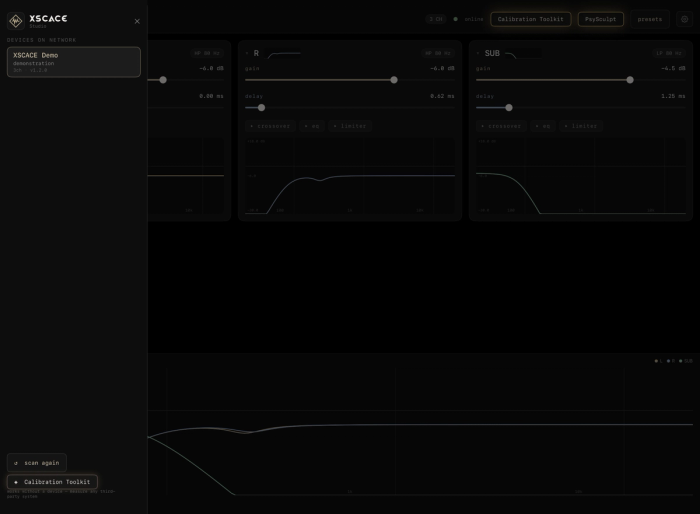
01Discover
Open Studio on the same network. Every Xylem and Root announces itself — nothing to pair, no address to type.
 02
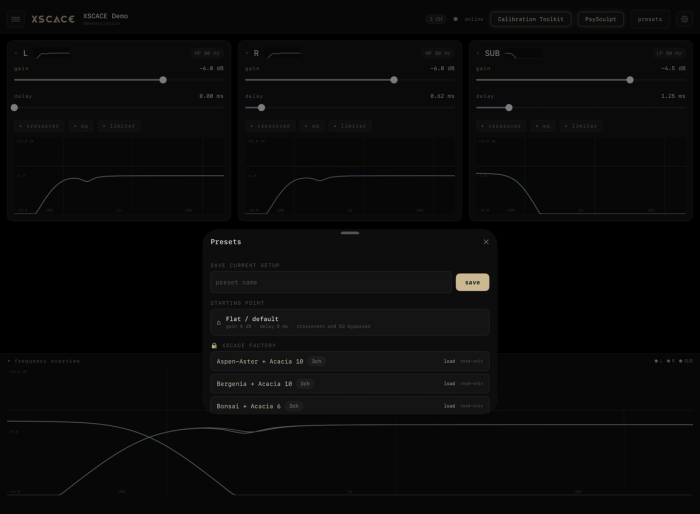
02Preset
Load the XSCACE factory preset for the speaker on each channel. Crossover, EQ and limiter threshold arrive set.
 03
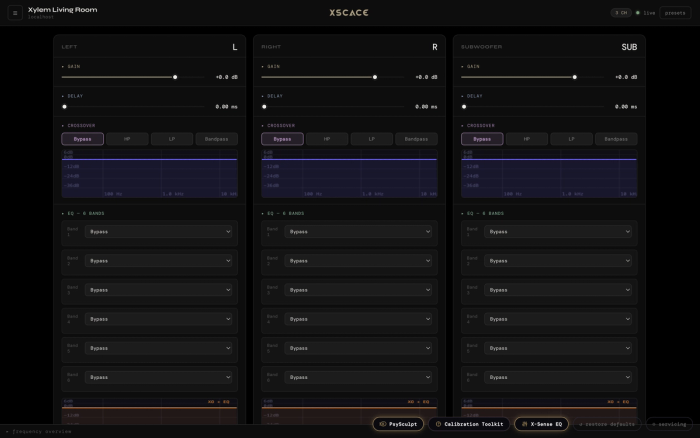
03Tune
Adjust gain, delay, crossover and EQ against the music already playing. What you change is what you hear.
 04
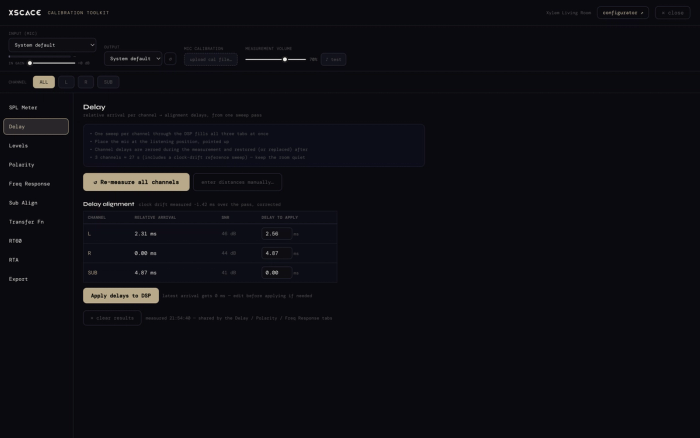
04Measure
Microphone at the seat. One sweep per channel gives arrival time, level and polarity, written straight to the DSP.
 05
05Correct
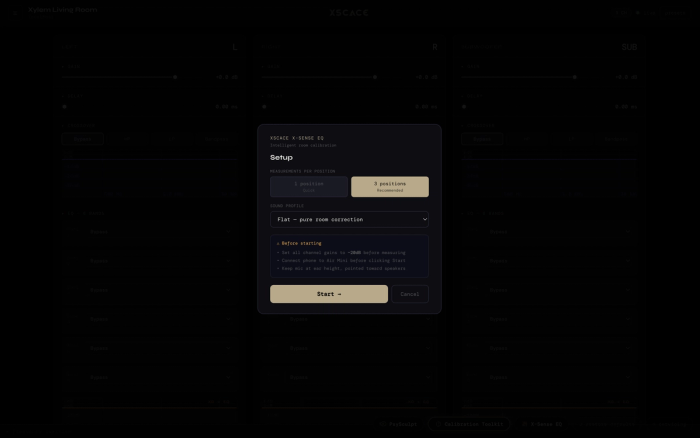
X-Sense EQ measures up to three positions, fits the correction to a room profile and applies it live.
 06
06Prove
A verification pass overlays before, target and after. Save the zone as a preset and export the branded report.
Laid out like the app. Click a feature.
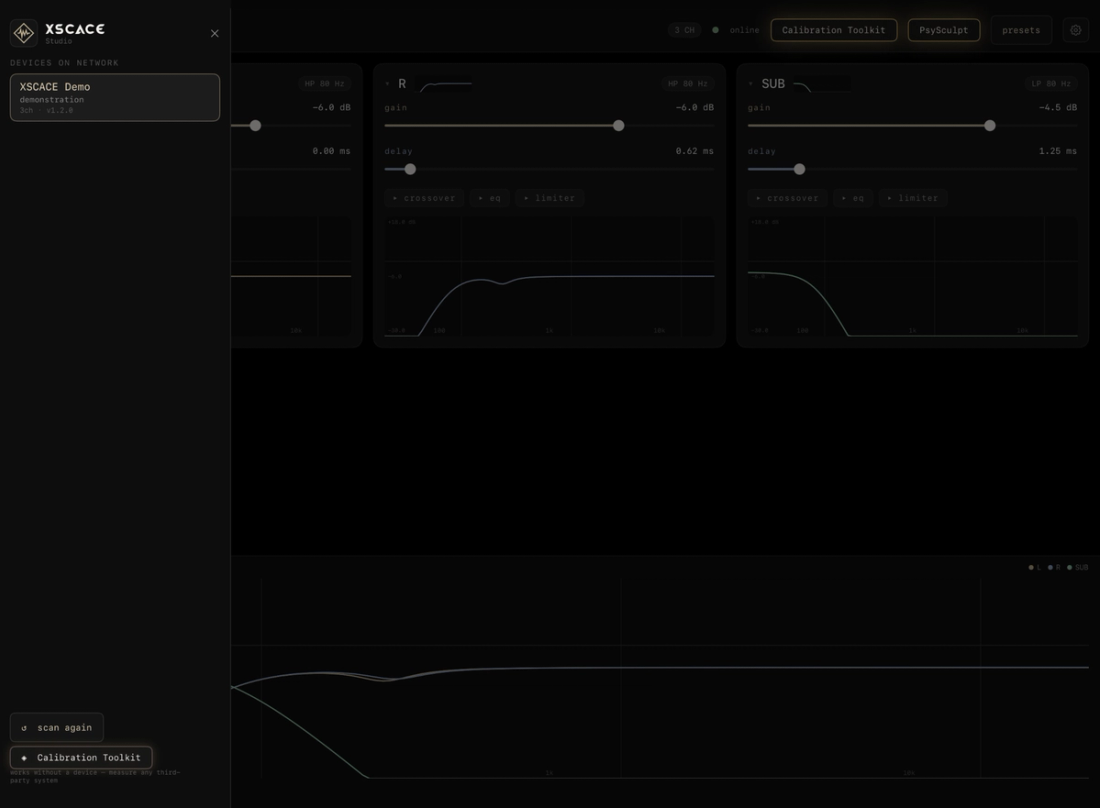
Live DSP Control
Gain, delay, crossover and EQ — applied as you edit.
- Amplifiers announce themselves — nothing to pair, no address to type
- Four crossover modes, the curve drawn as you drag it
- Six parametric bands per channel · delay accurate to 3 µs
Eleven professional instruments.
One button. Zero extra software.
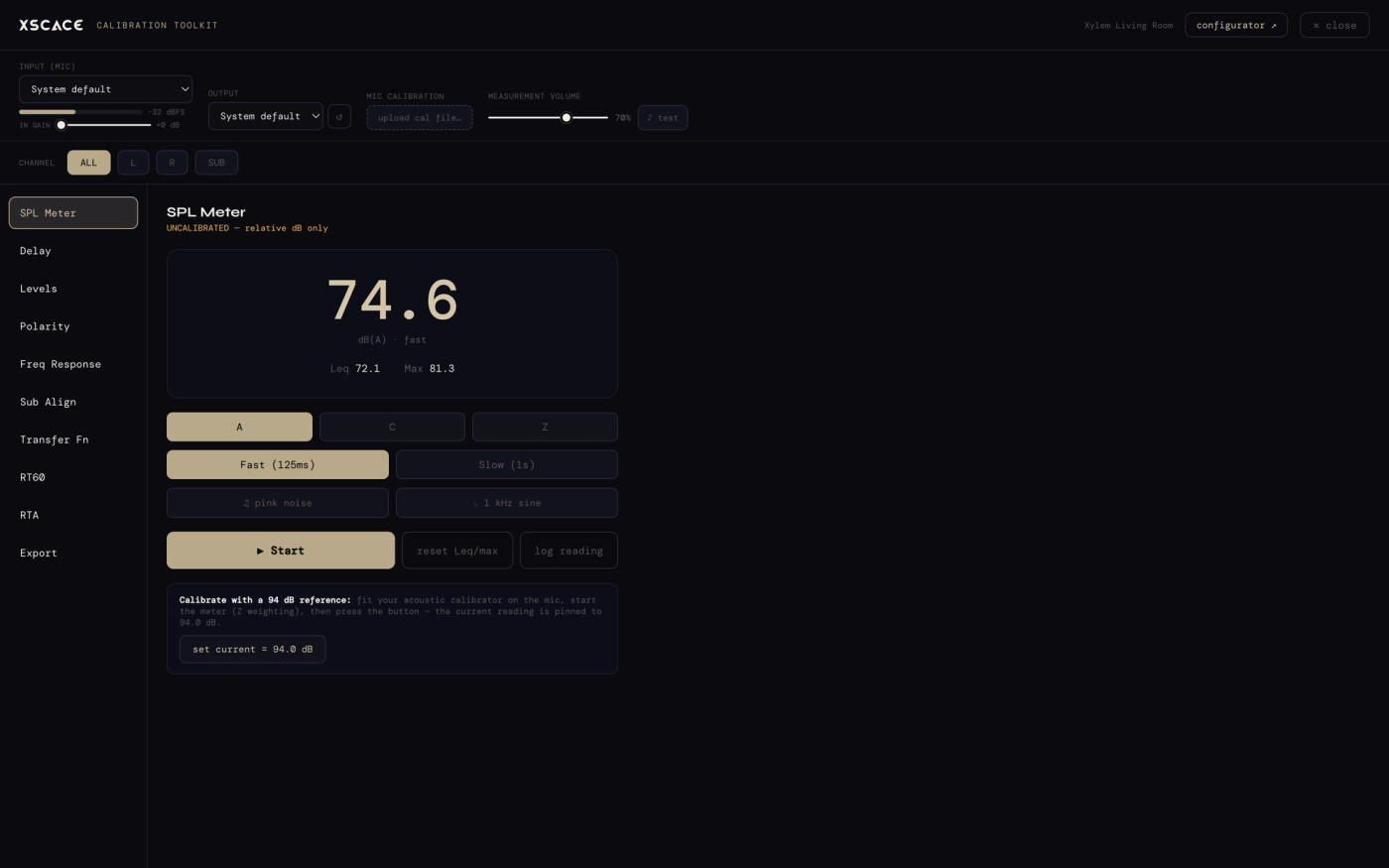
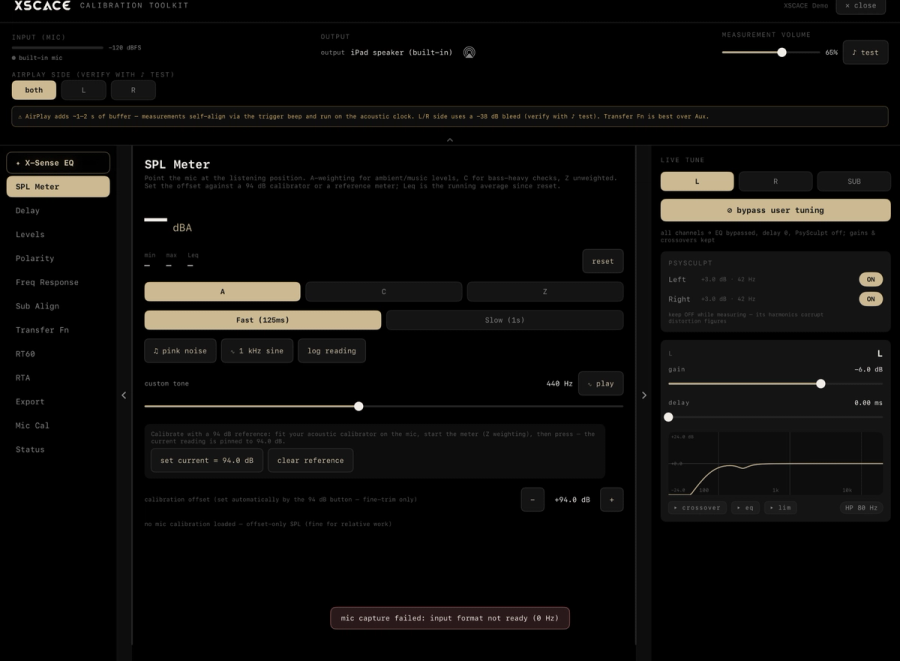
A calibrated meter, built in.
True SPL metering with A/C/Z weighting, fast and slow integration, Leq and max hold. Reference-grade accuracy via a 94 dB acoustic calibrator or a microphone calibration file, with built-in pink noise and sine generators for level setting.
- 94 dB calibrator one-touch reference
- UMIK-style cal file import (frequency + sensitivity)
- Session logging for the final report
Every job ends with proof.
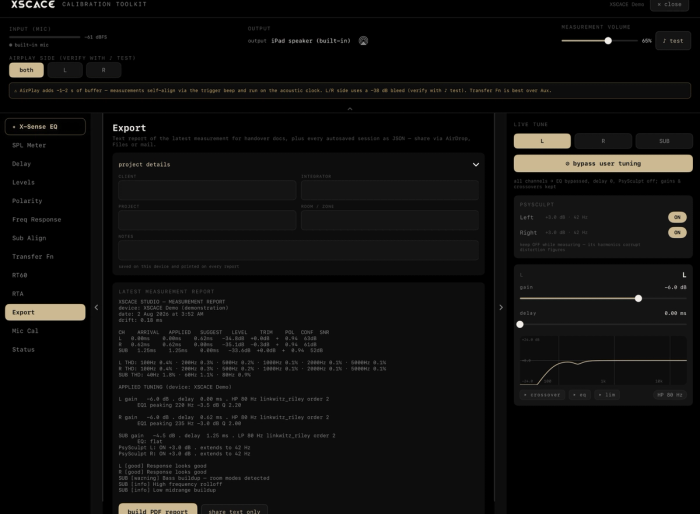
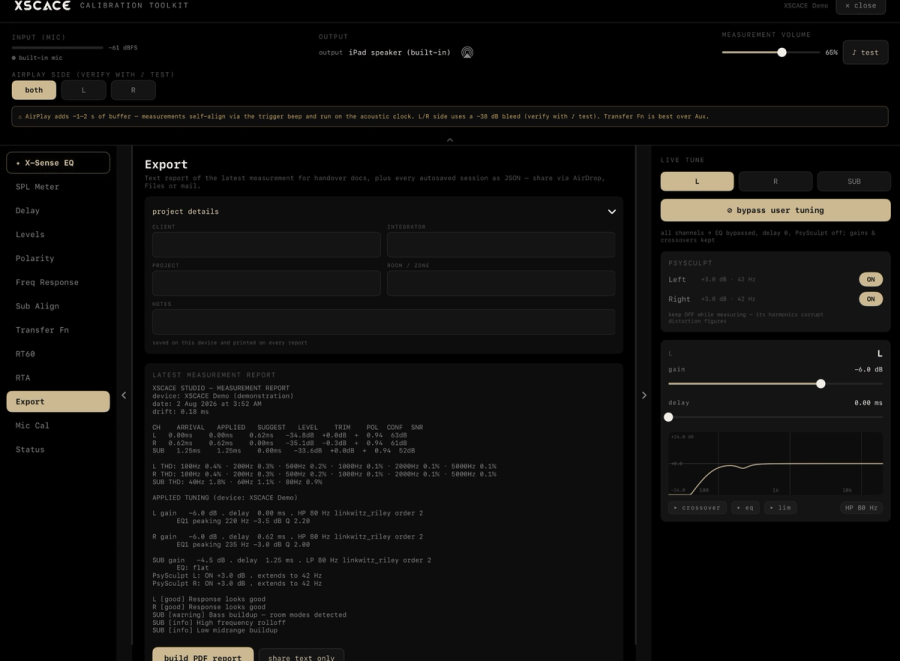
Every measurement logs into a per-device session that survives restarts. One click produces a branded PDF commissioning report — SPL readings, alignment tables, response charts, RT60, noise rating — with the integrator’s own name on it. Raw JSON export for archival.
- Branded PDF calibration report, ready for the client
- Sessions auto-save per device and resume anytime
- Standalone mode: measure any third-party system via AirPlay
Get your team trained on XSCACE Studio.
A live, hands-on session for your install and commissioning team — RT60 and NC measurement, DSP tuning, crossover setup, and full-system calibration workflow. Remote or in-person for qualified dealers.
Frequently asked questions17 answers
What platforms does XSCACE Studio run on?
macOS, Windows, and as an in-room web app served directly from every Xylem amplifier — no separate install needed to reach the local dashboard.
Is XSCACE Studio free?
Yes, XSCACE Studio is free for macOS and Windows.
What hardware does it work with?
Every XSCACE Xylem DSP amplifier. It also has a standalone mode that can measure and report on third-party systems via AirPlay.
Does it need an internet connection?
No. It connects directly to the Xylem amplifier over your local network — no cloud, no round trips.
What is the Calibration Toolkit?
Eleven professional measurement instruments built into the app — X-Sense EQ, SPL Meter, Delay, Levels, Polarity, Frequency Response, Sub Align, Transfer Function, RT60, RTA and Mic Cal — SPL, delay/levels/polarity, frequency response, THD, sub alignment, transfer function, RT60, RTA, and branded PDF reporting.
Can I use my own measurement microphone?
Yes. The toolkit supports UMIK-style calibration file import (frequency and sensitivity) for fixed-output USB measurement microphones.
What is audio calibration software?
Audio calibration software measures how a speaker system actually performs in a room — SPL, frequency response, time alignment and reverberation — then uses that measured data to correct the DSP. XSCACE Studio does this with an 11-instrument toolkit built directly into the amplifier control app, so no separate measurement software is needed.
Can I use it as RT60 measurement software?
Yes. The Calibration Toolkit includes an impulse-triggered RT60 measurement (ISO 3382-aligned) with energy-time curve and spectral decay waterfall views, alongside a 31-band RTA with NC background-noise rating.
How is this different from REW?
REW is free, general-purpose measurement software that works with any amplifier but writes nothing back to the DSP for you — you measure in REW, then manually re-enter corrections elsewhere. XSCACE Studio's toolkit measures AND writes the correction straight to the Xylem amplifier's DSP in the same app, with a closed-loop re-measurement to confirm the fix actually worked. It's a narrower tool — XSCACE amplifiers only — but it removes the export/re-enter step entirely.
How accurate is the delay measurement?
Validated against REW, the reference tool in this field. Measuring the same system, a wired reference gave an inter-channel difference of +0.551 ms and XSCACE Studio measured +0.56 ms — agreement to 0.01 ms. Separately, the Xylem DSP's own delay block is accurate to 3 µs on a commanded 5.000 ms.
Is it as accurate over a wireless connection as over a cable?
Accuracy is proven either way; precision over wireless is limited by the receiver, and the app is candid about it. A wireless receiver re-buffers between plays and applies its own timing corrections mid-stream, so every run measures its own worst time warp and warns you when it exceeds 0.5 ms, recommending a wired input for sub-millisecond work. It tells you when to distrust it rather than presenting a confident number it cannot stand behind.
Why does it ask me to play a test tone before measuring?
Because a connection that reports success is not proof of sound. Compatibility testing found that licensed wireless receivers will accept a stream, report a healthy session, and silently discard the audio unless the sender meets the full specification. The ♪ test button beside the output picker exists so that no measurement is ever taken against silence.
How does it measure arrival time without a loopback cable?
A wired rig aligns speakers using a loopback, where one clock drives both playback and capture. Over a network there is no loopback and the receiver's clock is not yours. XSCACE Studio rides a train of quiet pilot bursts on a fixed carrier channel throughout the whole measurement — including underneath the sweep — and fits a line across them to reconstruct the receiver's real time map. Sound travels roughly 34 cm per millisecond, so a 1 ms error would put a speaker a third of a metre from where it actually is.
What happens if the room is too noisy to measure?
It refuses, rather than reporting a number it cannot defend. RT60 follows ISO 3382-1 practice — Lundeby truncation, a minimum 12 dB fit span and an r² ≥ 0.90 quality gate — and when a measurement does not meet them the failure message tells you which way to move: raise the level, or quieten the room.
Can I verify the app's own working?
Yes. Any measurement can export the raw microphone capture as a 16-bit WAV, so a disputed result can be dissected offline against any reference implementation you like. Several corrections during the app's development came from exactly that.
What do I have to set on the limiter?
One number: threshold in dBFS. That is the figure printed on the driver's datasheet, so it is the one an installer actually has to hand. The 34-point gain transfer curve is generated on the device from it, with peak and RMS detectors running in parallel and whichever asks for more reduction winning. 33 factory presets across the range ship with thresholds derived from each speaker model's real power handling, and an amplifier lists the presets matching its own channel count.
What does PsySculpt actually do?
It synthesises harmonics of fundamentals the cabinet cannot physically reproduce, so the ear infers a fundamental that is not being played. It is not a bass boost — nothing below the driver's range is being amplified, because there is nothing down there to amplify. That is why the control reads "extend down to X Hz": it sets how deep the effect reaches rather than naming a filter.
Every device above is discovered on the LAN and tuned live: the Xylem and Root amplifiers today, and the LAN version of the powered Acacia subwoofers from February 2027. The calibration toolkit also measures third-party systems in standalone mode, over AirPlay.