Contents9 sections
If you measure rooms for a living, two names come up before any others. Smaart and Room EQ Wizard are the most-searched room acoustics measurement software in the world, and both deserve it. This is an honest account of what each is best at, where each stops, and where a free alternative earns a place next to them rather than instead of them.
It is written by the people who build one of those alternatives, so treat the last section accordingly — and check the limitation stated plainly in it.
Smaart: the live-sound standard
Rational Acoustics Smaart is the tool most systems engineers reach for when a PA has to be aligned in front of an audience. Its centre of gravity is the dual-channel FFT transfer function: feed it the signal going into the system and the signal a microphone hears coming back, and it shows you the difference — magnitude, phase and impulse response — in real time.
That live, comparative view is the thing. Alignment delays between a main hang and a delay tower, phase behaviour through a crossover region, the effect of a filter as you turn it: Smaart shows all of it while you work, which is why it has been the industry reference for decades. It is commercial software, and for a touring engineer it repays the licence quickly.
Room EQ Wizard: the free measurement workhorse
REW, written by John Mulcahy and free to use, is the tool most home-cinema and hi-fi people learn first. It is built around swept-sine measurement and the analysis you can do afterwards: frequency response, impulse, waterfall and spectrogram decay plots, distortion, and room-mode work.
Its subwoofer and room-mode tooling in particular is exceptional, and its file handling is generous — which is why REW has become a lingua franca. If someone sends you a measurement, there is a good chance it opens in REW.
Where both of them stop
Neither observation below is a criticism. They are scope boundaries, and they are the reason a third tool can sit alongside these two rather than compete with them.
- They measure; they do not configure your amplifier. Both will tell you the correction a room needs. Writing that correction into the DSP is a separate job in separate software.
- They produce analysis, not a deliverable. A waterfall plot is evidence for an engineer. It is not a commissioning document a client signs off, and turning one into the other is manual work.
- They assume you know what you are doing. Both are professional instruments with the sharp edges that implies — which is correct for their audience, and a real barrier for an integrator commissioning four zones before lunch.
If your job is analysis, stop here: use Smaart, use REW, use both. The rest of this is for the job that starts after the measurement.
XSCACE Studio: the commissioning alternative
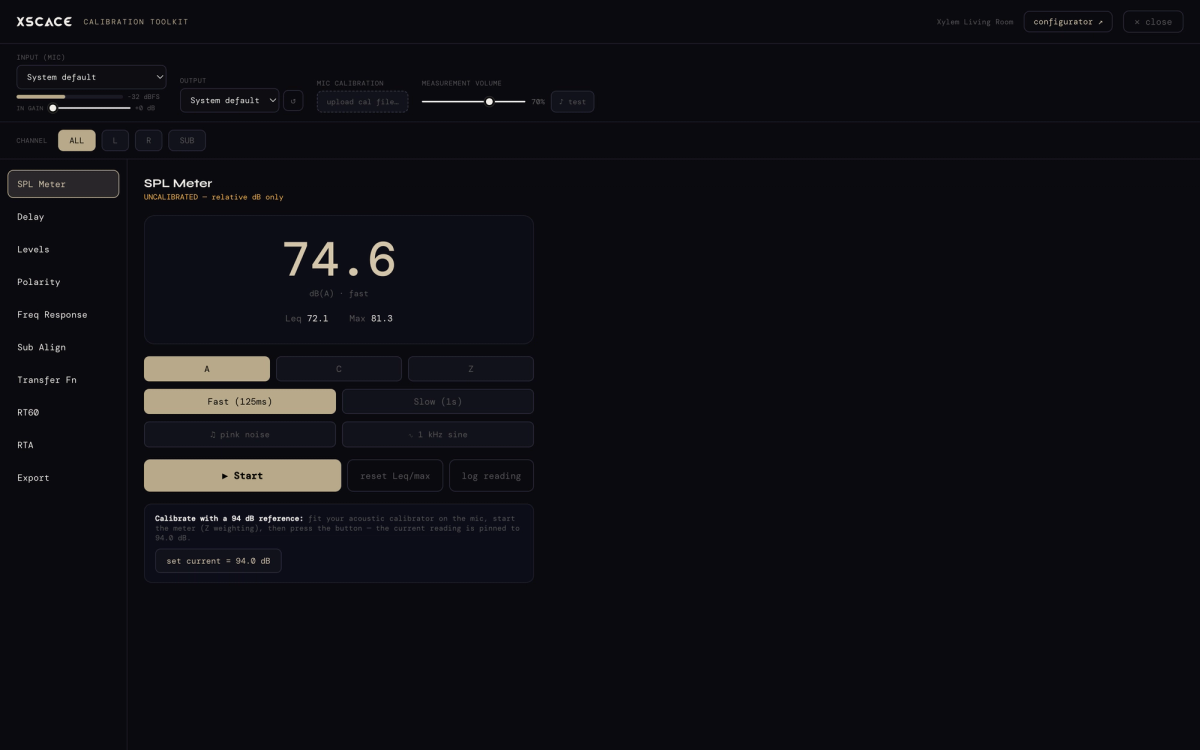
XSCACE Studio is free desktop and mobile software — iOS, macOS and Windows, no licence and no subscription — built around a different question. Not "what is this room doing" but "is this installed system finished, and can I prove it".
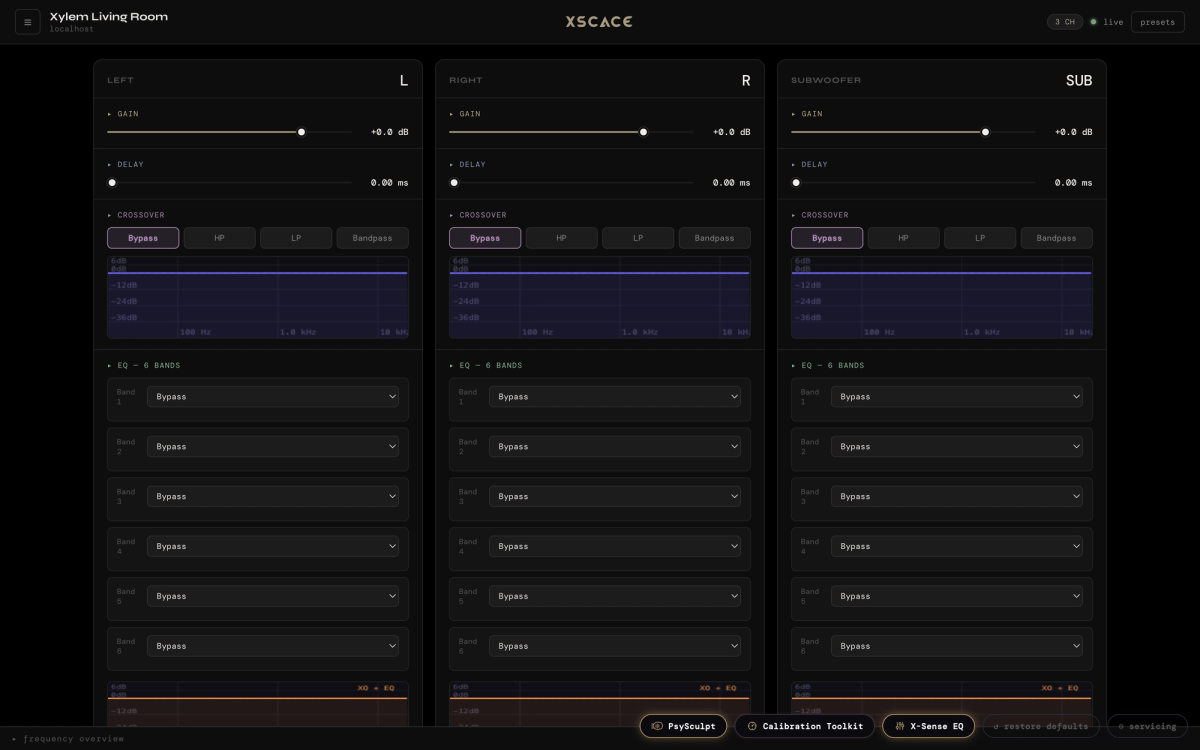
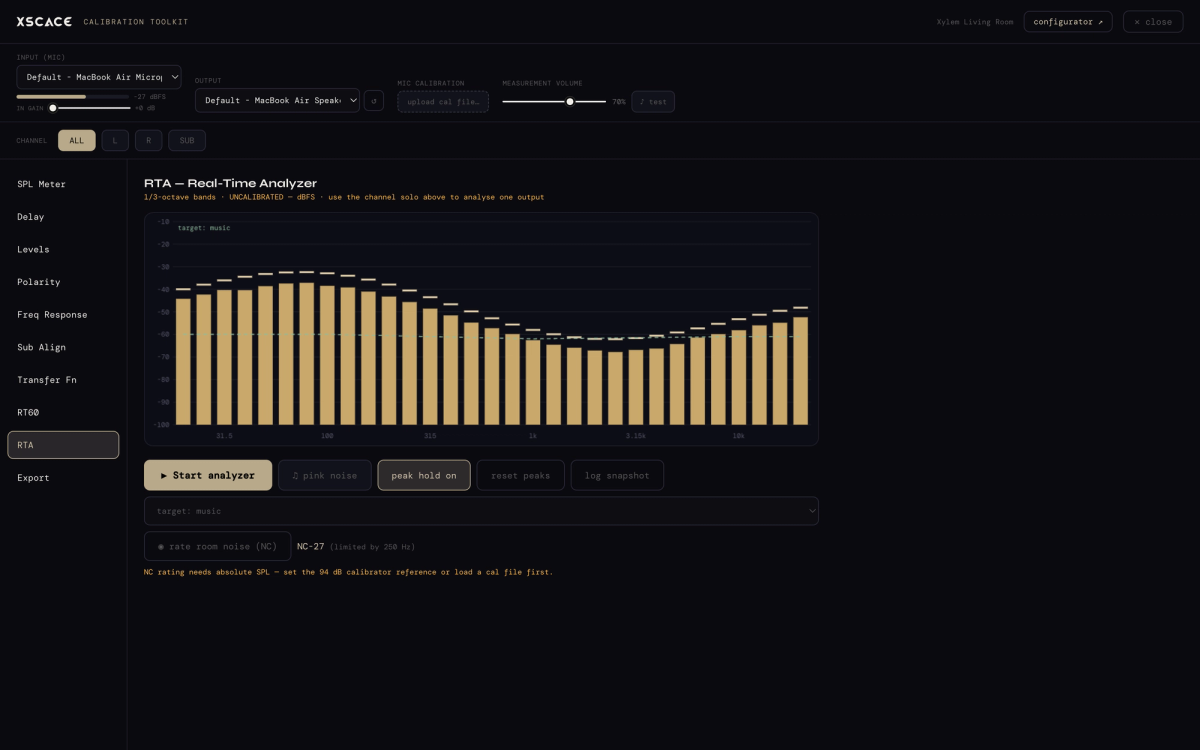
It carries an eleven-instrument calibration toolkit. The instruments overlap heavily with what REW and Smaart give you, and two of them are worth showing side by side with their better-known equivalents.
Transfer function
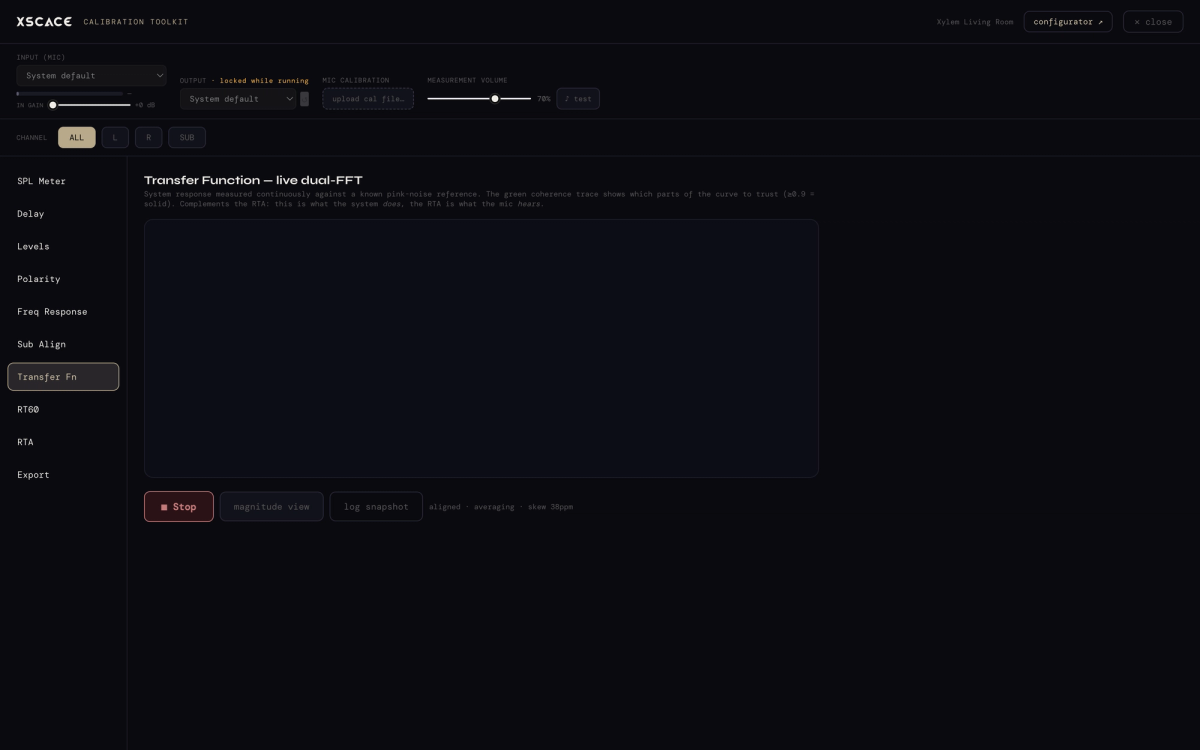
The same dual-channel comparison Smaart is built on, scoped to a commissioning pass rather than a live show.
RT60 and waterfall
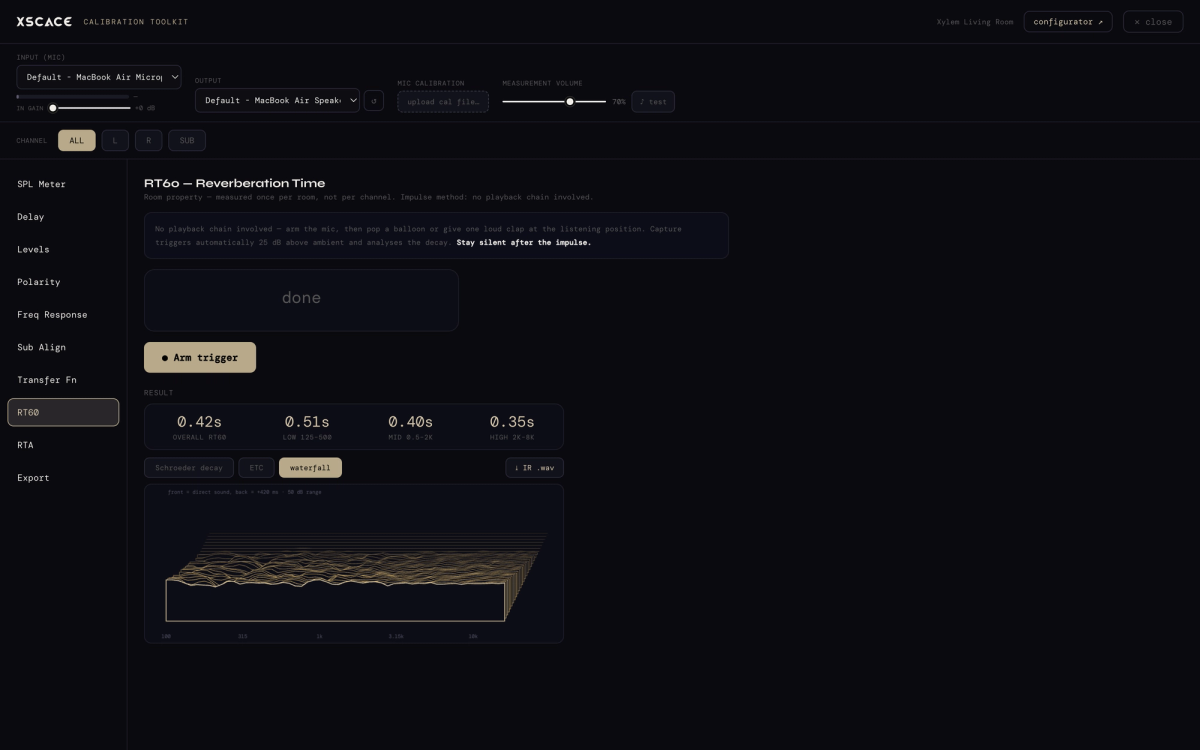
Reverberation time measured to ISO 3382-1 practice, with decay shown as a waterfall — the REW-shaped part of the toolkit. One behaviour is worth calling out: if a room will not support a defensible RT60 figure, Studio refuses to print one rather than reporting a number it cannot stand behind.
The rest of the toolkit
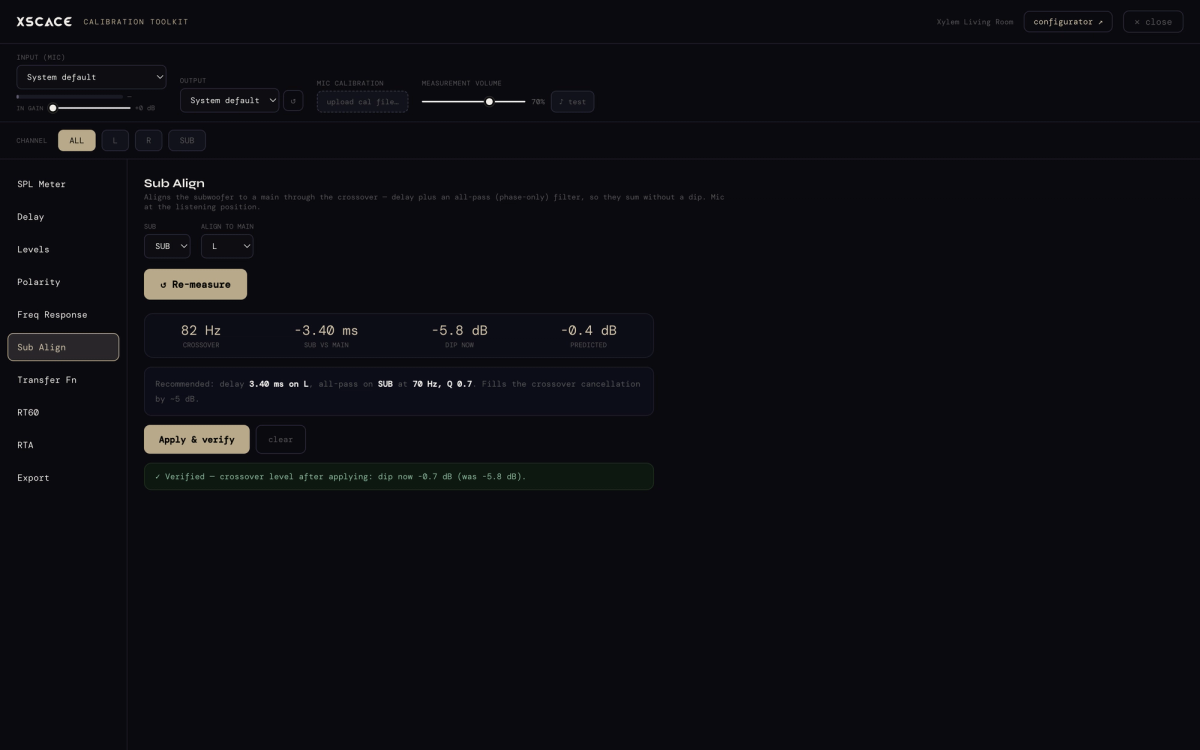
- SPL meter, RTA with noise rating (NC), and frequency response
- Sub Align, for time-aligning a subwoofer against the mains
- THD, delay and levels
- Raw capture export, and reporting
The two things that are actually different
It writes the correction, not just the measurement
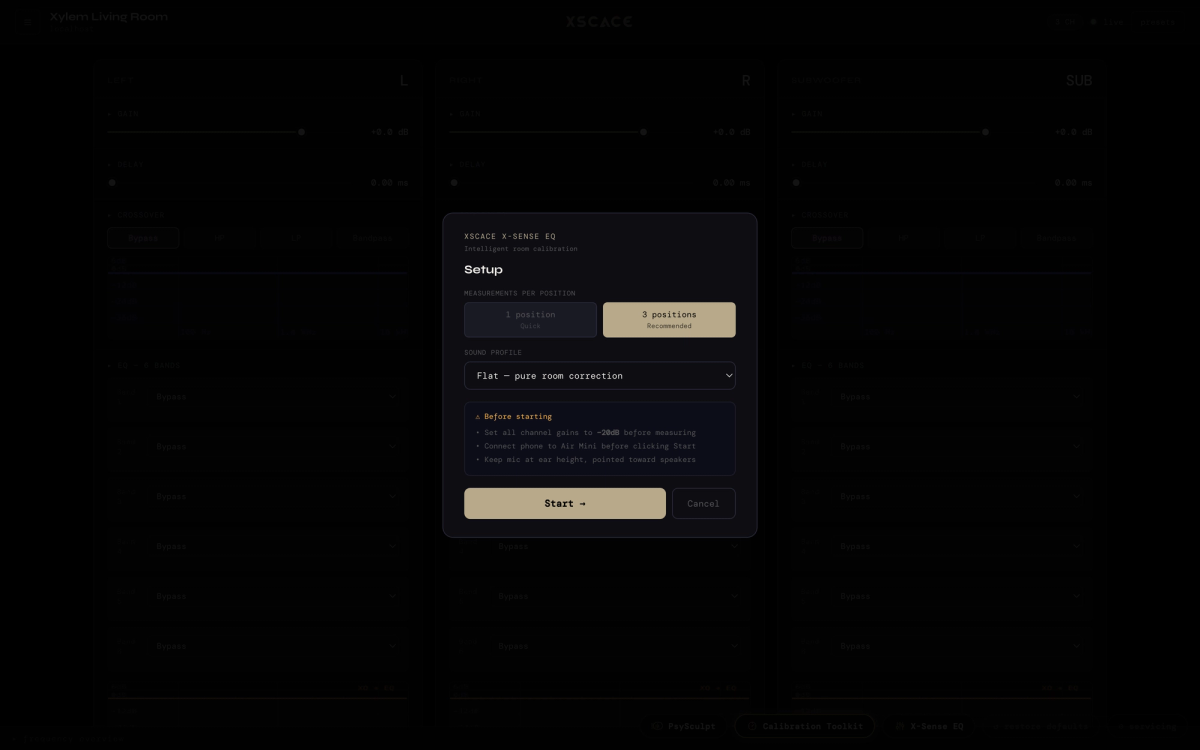
X-Sense sweeps up to three listening positions, fits a corrective EQ, then re-measures and overlays before, target and after so you can see what the correction actually did. The fit is written into the amplifier, not exported as a suggestion.
This is also the limitation, and it is the one to be straight about: the measurement instruments work on any system a microphone can hear, but writing DSP corrections back into an amplifier requires that amplifier to be an XSCACE Xylem or Root 4. If you are commissioning someone else’s amplifier, Studio is a measurement tool for you, not a correction tool.
It produces the document at the end
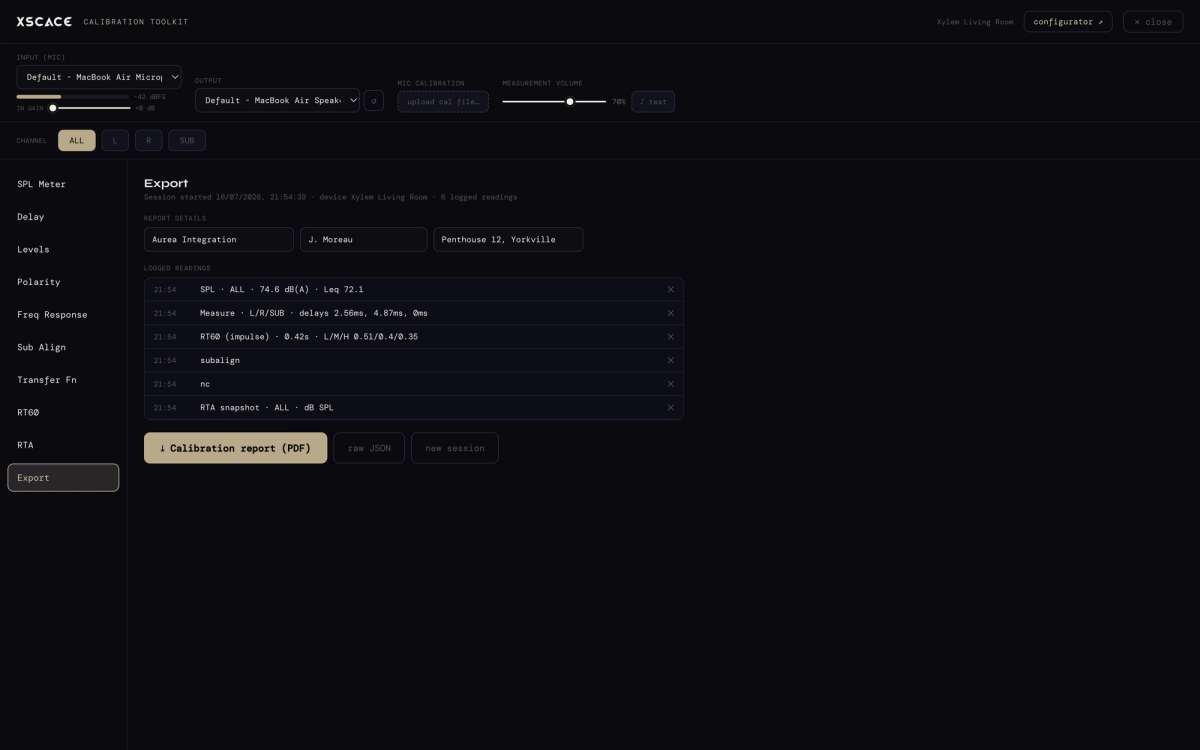
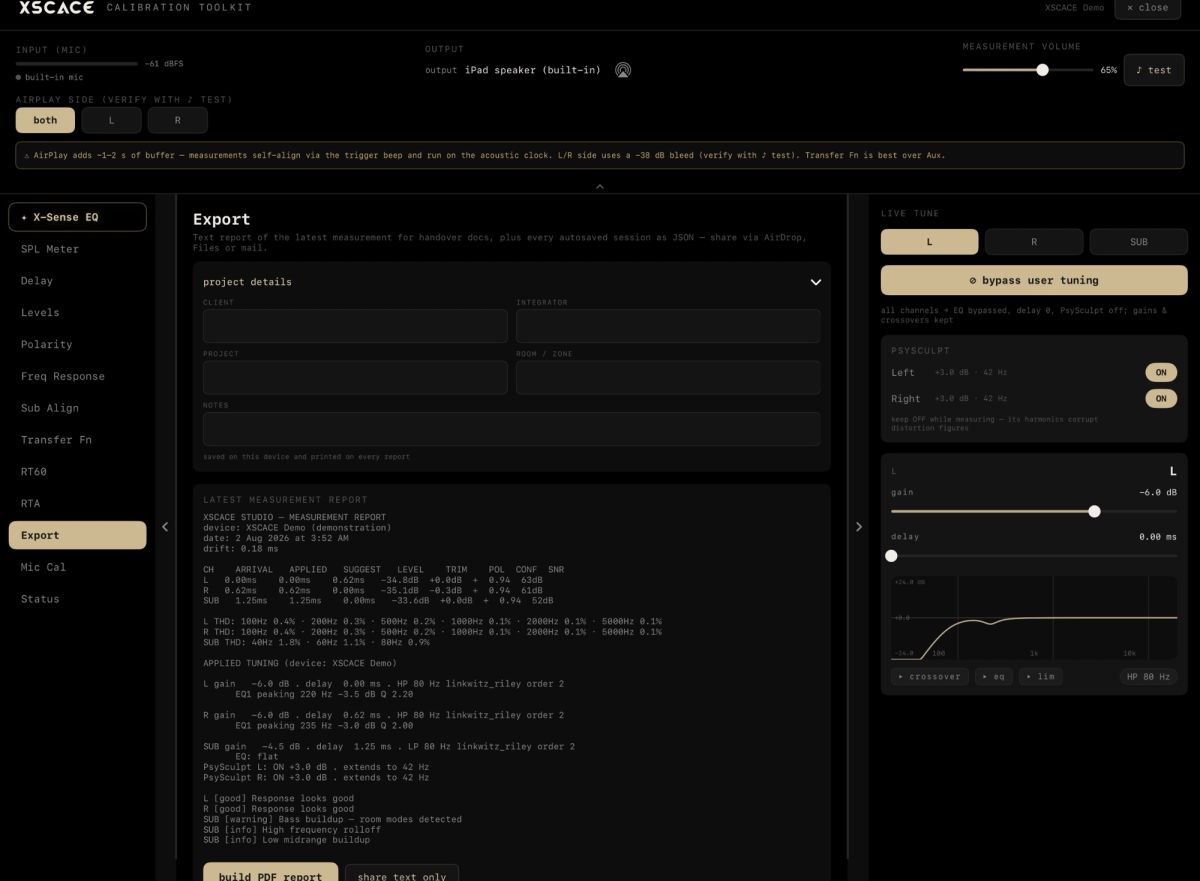
Measurements become a report with the figures stamped in — the thing you hand over rather than the thing you interpret. And because impulse responses export to WAV, a deeper analysis in REW or Smaart is always available from the same capture.
Neither Smaart nor REW will tell you whether the room passed
Both Smaart and REW will give you an accurate frequency response, an impulse and a decay time. Neither will tell you whether the room you just measured meets a defined performance level, because neither holds the criteria to judge it against. That comparison happens afterwards, by hand, against a document open in another window — and it is the part that most often does not get done.
XSCACE Studio closes that loop with an RP32 verification checklist. CEDIA/CTA-RP22 defines four objective performance levels for a room; CEDIA RP-32 defines how to measure and verify whether the room reached one. Set the target level and the room volume, and the Export page marks each parameter pass or fail against RP22's table — interchannel level and time, polarity, sub integration, background noise floor as an NCB rating, seat-to-seat response variance, in-room bass extension, response below the transition frequency, early reflections against the direct sound, and reflection decay time to ISO 3382-1 T20 — then prints the verdict as a sentence: "Level 3 not met — 4 parameters failed".
It is worth being precise about what this is and is not. Rows needing a test the current version does not run are marked not measured rather than estimated. Layout values taken from the room plan — speaker angles, seat positions, speaker counts — are labelled design values rather than presented as measurements. And the report states plainly that this is measurement to RP32 practice rather than a certification. But the comparison work that Smaart and REW leave entirely to the integrator is done, and it lands in the client's PDF.
Choosing between them
A short decision guide, written to be useful rather than flattering:
- Aligning a PA in front of an audience, or any live work where you adjust and watch simultaneously — Smaart.
- Deep room analysis, subwoofer work, room modes, or you want the widest community and the most tutorials — REW, free.
- Commissioning an installed system on XSCACE amplification, where the output has to be a signed-off document — XSCACE Studio, free.
- Measuring a system on someone else’s amplifier — any of the three; only the correction step is tied to hardware.
The three are not mutually exclusive and most people who do this seriously end up with more than one installed.
Try it without hardware
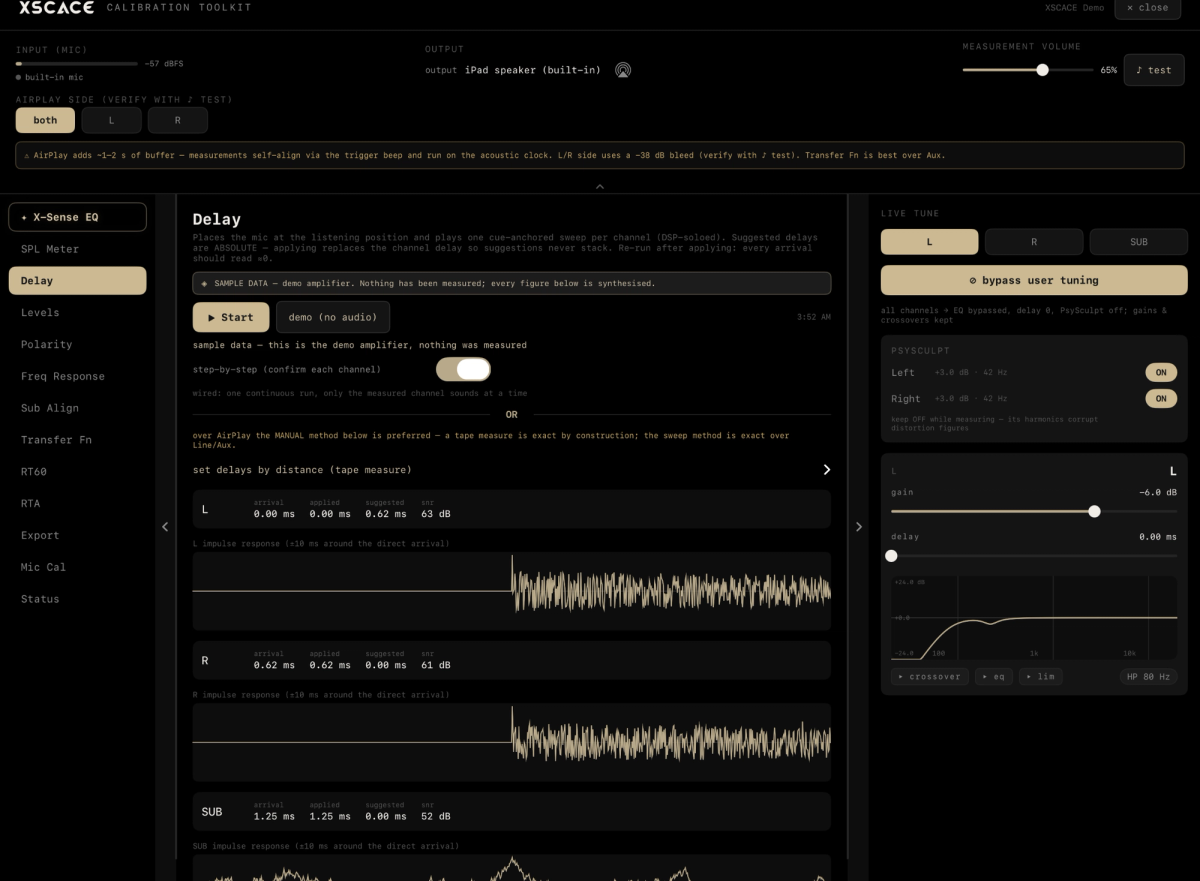
Studio runs in full demo mode with no amplifier attached, so the toolkit and the workflow can be examined before any decision. The calibration instruments also run without an amplifier connected at all.
Two companion pieces cover the detail this article compresses: XSCACE Studio — every instrument, explained walks the whole app feature by feature.
And the complete audio calibration software guide covers what calibration software measures and how a commissioning pass runs end to end.
Room Acoustics Measurement Software at a Glance
- Smaart — commercial; dual-FFT transfer function; the live-sound alignment standard
- REW — free; swept-sine measurement, waterfall and room-mode analysis; the widest community
- XSCACE Studio — free, no licence; eleven-instrument toolkit; RT60 to ISO 3382-1
- Only Studio writes the correction into the amplifier — and only into an XSCACE Xylem or Root 4
- All three interoperate: Studio exports impulse responses to WAV for REW or Smaart
- Studio runs on iOS, macOS and Windows, and in full demo mode with no hardware
For a concrete comparison of output, download a sample XSCACE Studio calibration report (PDF, 14 pages): the measurements, the tuning that was applied, the RP32 verdict, the room checks and the graphs in one client-ready document. Demo-mode data, real format.