Contents8 sections
Before writing a single line of measurement code for wireless audio, we had to establish what the transport could actually do. The answer reshaped the entire product, and it comes down to one sentence: a protocol-level success is not proof of sound.
This is a short account of a compatibility study, written for anyone building audio software on a wireless transport — and for anyone specifying a system who would like to know why a measurement tool asks them to press a test button first.
What was tested
Three sender implementations were put against real receivers on a real network, and the results were verified by ear rather than by return code.
- Two software sender libraries connected successfully at the protocol level, negotiated a session, reported no errors — and produced complete silence on licensed receivers.
- One of those libraries was audible on our own hardware, confirmed with a 60 Hz tone through a connected subwoofer.
- A physical phone, running the platform's own first-party implementation, was audible on everything.
That last line is the finding. Licensed receivers appear to gate audio on a full specification-compliant sender — correct clock behaviour, correct announce sequence — and quietly discard streams from anything less, while still reporting a healthy session to the sender.
We are deliberately not publishing a table of which receiver brands failed. The useful, portable finding is the behaviour, not an accusation: if you are building on this transport, a successful handshake tells you nothing about whether audio is being reproduced.
Why this put a button in the product
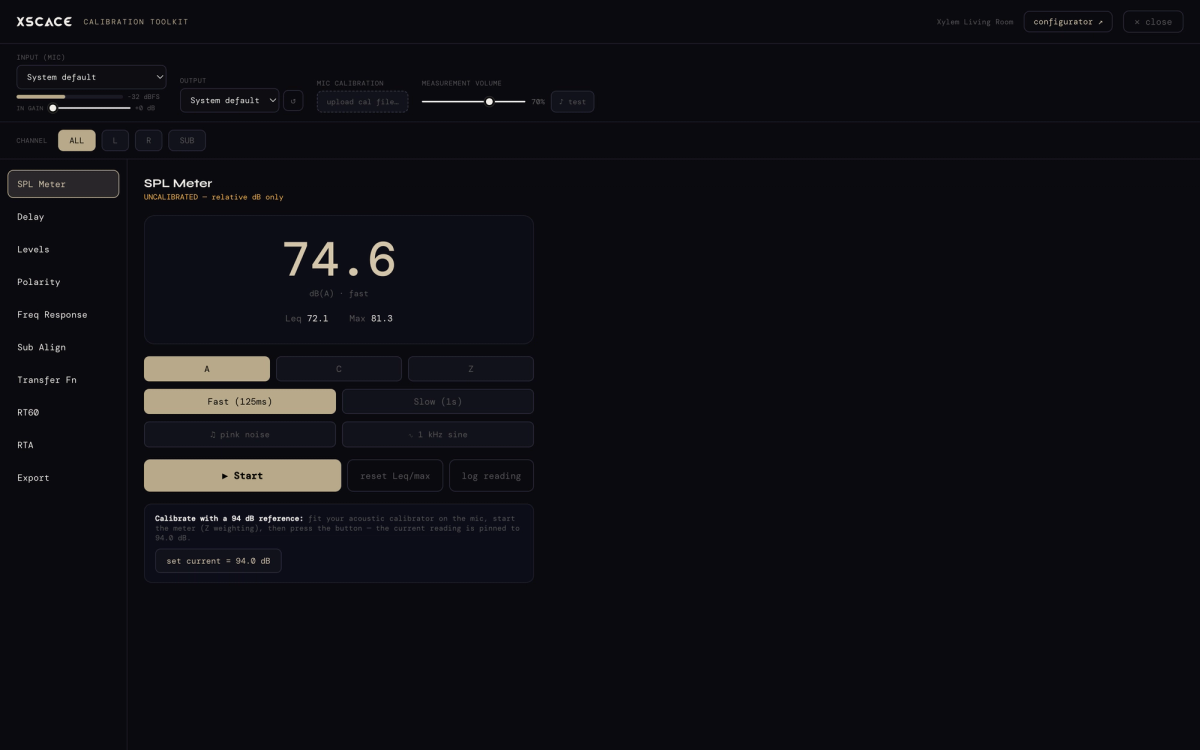
This study is the direct reason XSCACE Studio has a test button beside its output picker. Every measurement flow requires you to verify audibility before it will trust a result. It is a small piece of interface that exists entirely because the alternative — a beautifully rendered frequency response measured against silence — is worse than no measurement at all.
The constraint that shaped the whole application
There is a second limit, and it is worth stating plainly because it explains the product's shape rather than just one of its buttons. An application that plays and records at the same time cannot use buffered wireless streaming: the audio session category required for simultaneous capture excludes the buffered long-form mode. Measurement applications are therefore restricted to realtime wireless streaming — one receiver at a time, no multi-room during a measurement.
That is a hard platform boundary, not an implementation shortcut, and no amount of engineering removes it. What it means in practice is that calibration happens to one zone at a time, which is how a careful installer works anyway.
We are unusually well placed to live with it, because we build the receiver as well as the sender. Where a third party would be stuck with whatever the far end does, our own hardware can be addressed at source.
Being honest about each platform
The same study produced a clear division of labour, and the application states it rather than hiding it:
| Platform | Role | Reason |
|---|---|---|
| Tablet | The calibration instrument | Per-application audio routing is available, and the screen is large enough to read a response curve at the listening position |
| Desktop | The studio dashboard | No public per-application routing exists, so the app shows the live system output and links directly to the correct settings pane |
| Phone | Control only | Measurement needs a large screen and a microphone that can sit at the listening position — so the toolkit is deliberately absent, and the app says so |
A detail from the bench that made the desktop experience worse than it needed to be: the system sound settings pane remembers whichever tab was last opened, so users arriving on the input tab saw no receivers listed and concluded the feature was broken. The app now names the tab explicitly. Most of the difference between software that feels reliable and software that feels broken is made of corrections like that one.
The principle underneath all of it
A related lesson came from a different corner of the same product, where a configuration file identified two signal paths only by their values, with nothing to label which was which. An assumption about which was which would have been invisible if wrong — no error, no crash, just a system that sounds subtly incorrect and nobody knowing why.
The rule that came out of it now runs through the whole codebase, and it is the same rule as the test button:
Where the data is ambiguous, the software refuses rather than guesses.
A wrong guess in audio software does not announce itself. That is precisely why guessing is the thing to design out.
What we chose not to build
The study also killed an idea. Early on there was a proposal for a physical calibration puck — dedicated hardware carrying a known-good microphone, removing every question about what the measurement chain was doing.
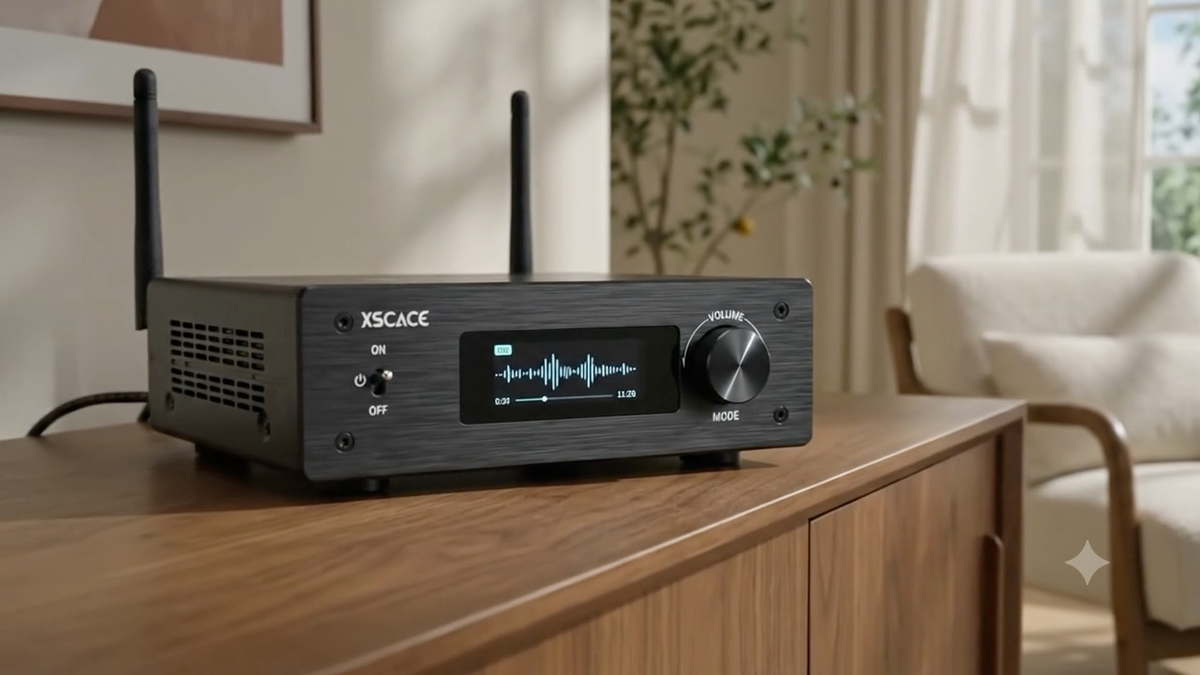
It was dropped on the grounds that integrators were already streaming to these systems wirelessly, and adding another box to the bag solves a problem nobody had reported having. The measuring instrument wants to be the thing already in your hands. Restraint is easier to justify when the alternative has been costed honestly, and the compatibility study is what made that costing possible.
The order the product was built in
One more decision worth recording, because it is the kind that is usually made implicitly. Amplifier control was built first and calibration second — deliberately, and against the instinct of everyone who finds the measurement problem more interesting.
The reasoning is simple: an installer who cannot set a gain does not care how good your sweep analysis is. A measurement suite bolted onto a control application that does not yet work reliably is a demonstration, not a tool. Sequencing the work that way also meant the transport study had time to finish before any measurement code depended on its conclusions.
For anyone building on this
Three portable conclusions, none of which required our specific hardware to reach:
- Verify audibility out of band. A return code, a session state and a byte counter can all look healthy while nothing is being reproduced. Put a human-audible check in the flow and make it mandatory.
- Establish transport behaviour before building on top of it. The alternative is discovering a platform boundary after the architecture assumes it away.
- State platform limits in the interface. Hiding a missing feature reads as a bug; naming it reads as a decision, and users route around it correctly.
The measurement architecture that had to survive these constraints is described in Your Wireless Speaker Is Lying to You About Time, and the reverberation investigation that independently confirmed the transport's behaviour is in Seven Releases to Measure One Number. Both instruments ship in XSCACE Studio.