Contents4 sections
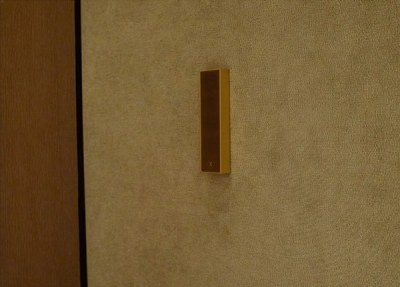
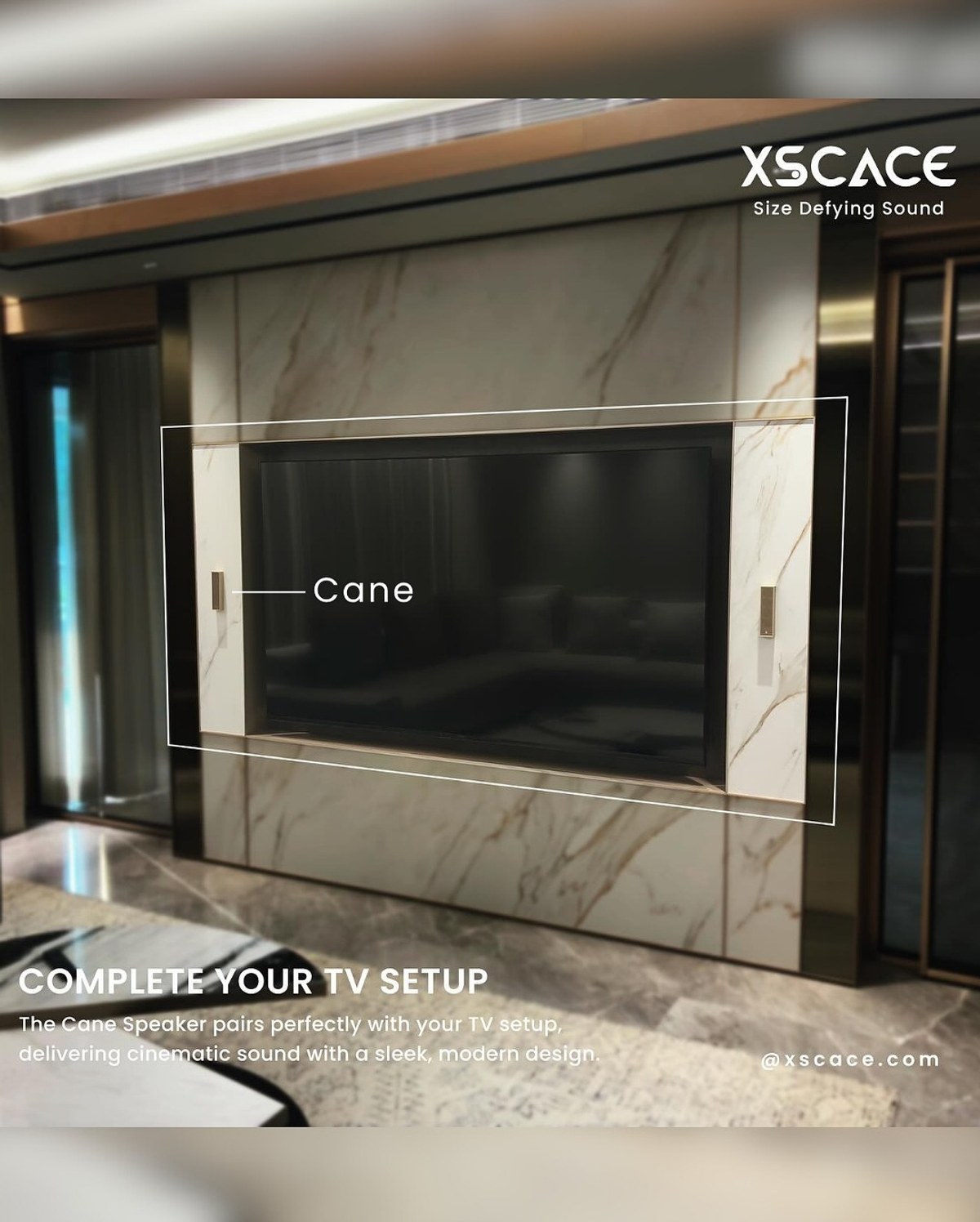
A marble-panelled TV wall is exactly the kind of surface a visible speaker ruins — the whole point of a book-matched stone slab is an unbroken plane. This 14×12ft media zone kept that plane intact by setting the speakers into the marble paneling itself, vertically either side of the screen.
The System
- A pair of XSCACE Cane speakers, wall-mounted vertically on both sides of the TV, embedded within the marble paneling
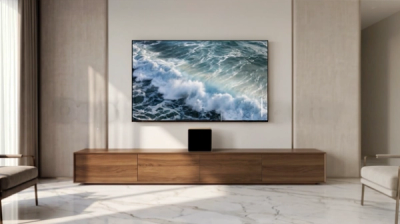
- One XSCACE Acacia 10 Powered subwoofer
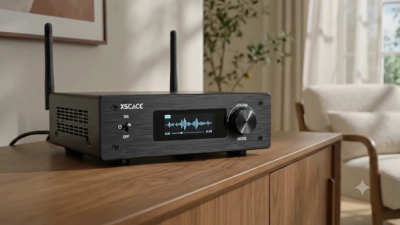
- One XSCACE Air Amp
Why This Has to Be Planned Before the Stone Is Cut
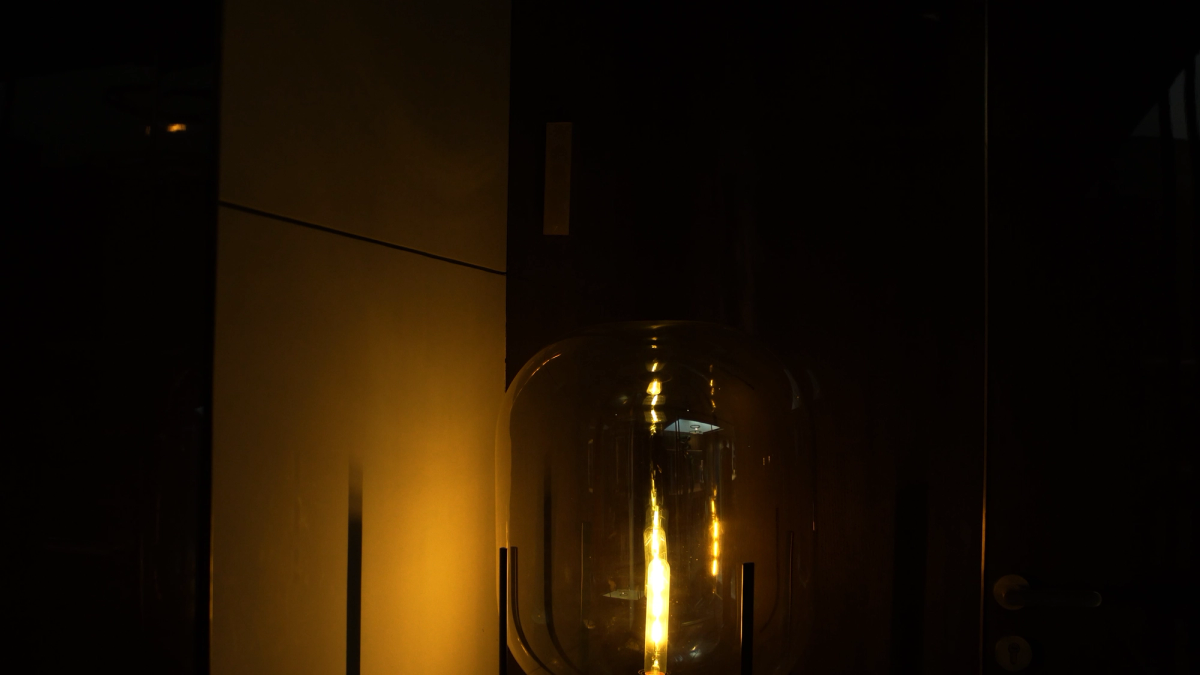
Embedding a speaker into a marble panel isn't a retrofit — the recess for the speaker, the cable path behind it, and the book-matching of the stone around it all have to be planned into the fabrication drawings before the slab is cut. That's a meaningfully different project sequence from wall-mounting onto plaster or drywall, where a speaker can be added late without touching the finish. Rooms with hard architectural finishes like stone or marble are exactly where audio needs to be specified early, alongside the interior design, rather than bolted on at the end.
Case Study at a Glance
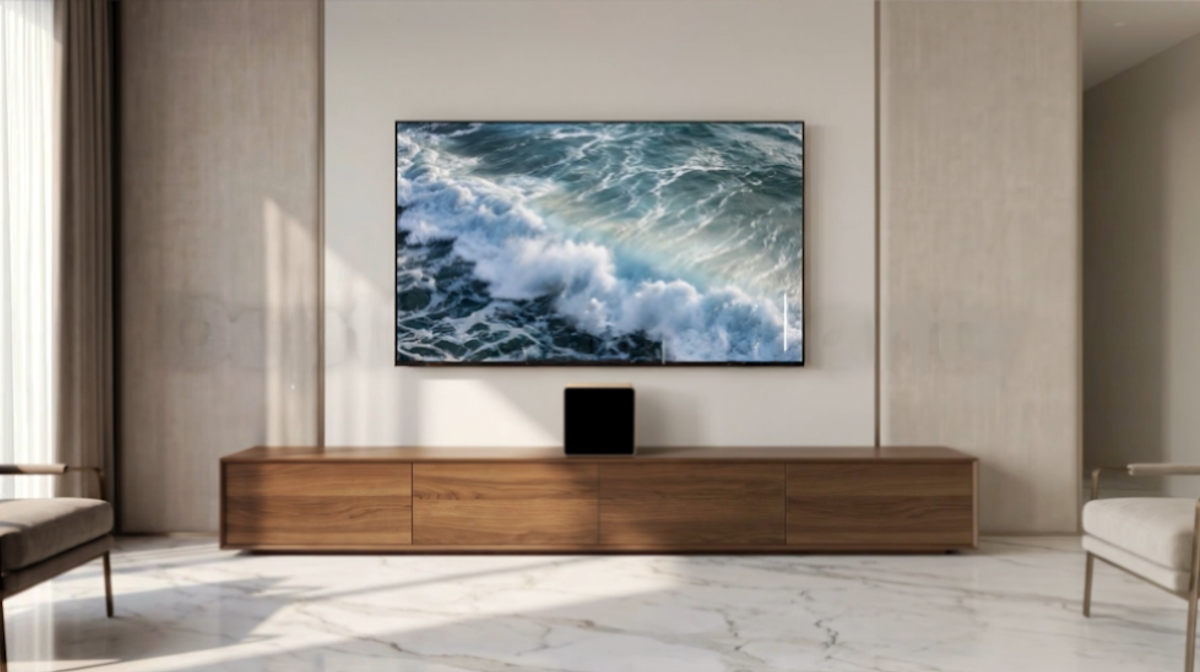
- Room: Media zone / living room, 14×12ft
- Use case: Elevated cinematic experience at home
- System: 2× XSCACE Cane, Acacia 10 Powered, Air Amp
- Placement: Wall-mounted vertically on both sides of the TV, embedded within marble paneling
- Goal: A visually clean setup delivering rich, immersive sound that enhances on-screen detail
Compare with the contemporary living room case study, which solves a similar TV-wall brief with XSCACE Ghost instead.
Planned, controlled and calibrated to reference
Every XSCACE installation follows the same three stages: planned in the simulator, controlled from the app that matches the hardware, and calibrated with measurement. A cinema is the one room where the geometry is defined for you, and where getting it wrong is measurable rather than a matter of taste.
Planned
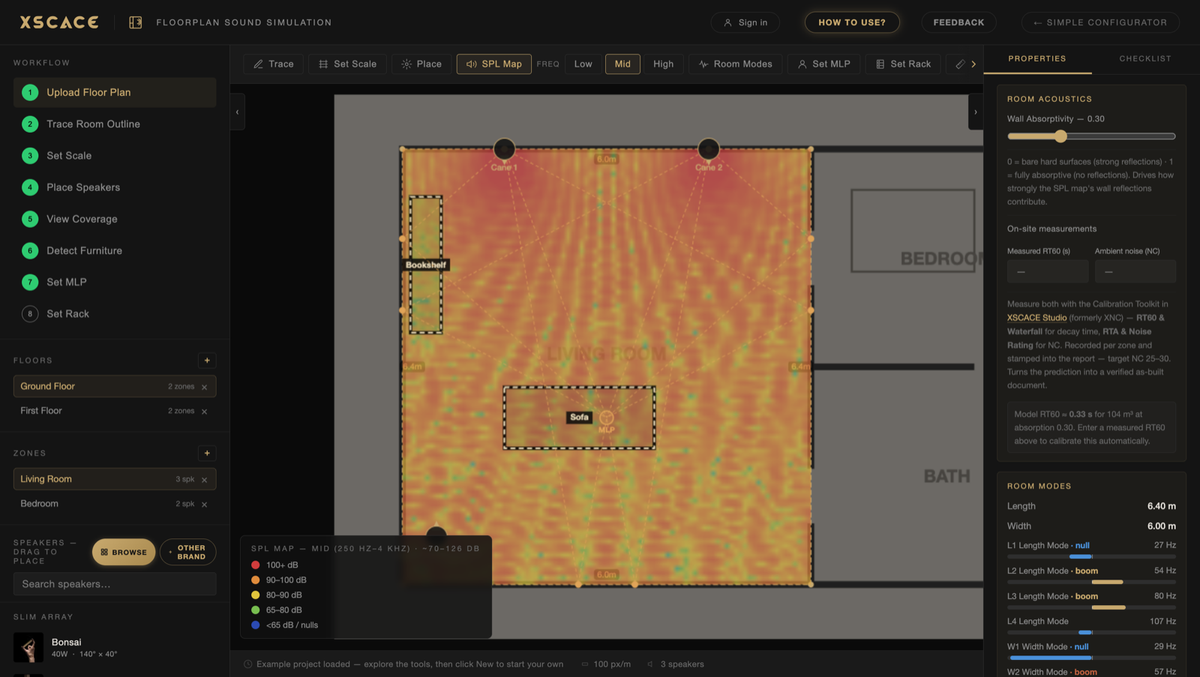
XSCACE Floorplan Sound Simulation takes a plan from trace to bill of quantities in the browser. For a room like this the outputs that matter are:
Full Dolby reference geometry checked speaker by speaker
Coverage at every seat, not just the reference seat
Room modes and first reflections located before treatment is specified
Controlled
Day-to-day control is XSCACE Controller on iOS and Android. It handles volume, EQ and grouping, and the streaming amplifiers also appear natively as AirPlay 2 and Spotify Connect targets, so the app is for control rather than for getting audio into the room.
Calibrated
The calibration toolkit inside XSCACE Studio measures what the room actually does — eleven instruments covering SPL, delay, levels, polarity, frequency response, THD, sub alignment, transfer function, RT60, RTA and export, free on macOS. Here the ones that earn their place are:
Delay and polarity per channel, with delay figures agreeing with REW to 0.01ms
Sub Align, then a re-measure to verify the correction did what it claimed
A PDF report documenting the calibration for handover
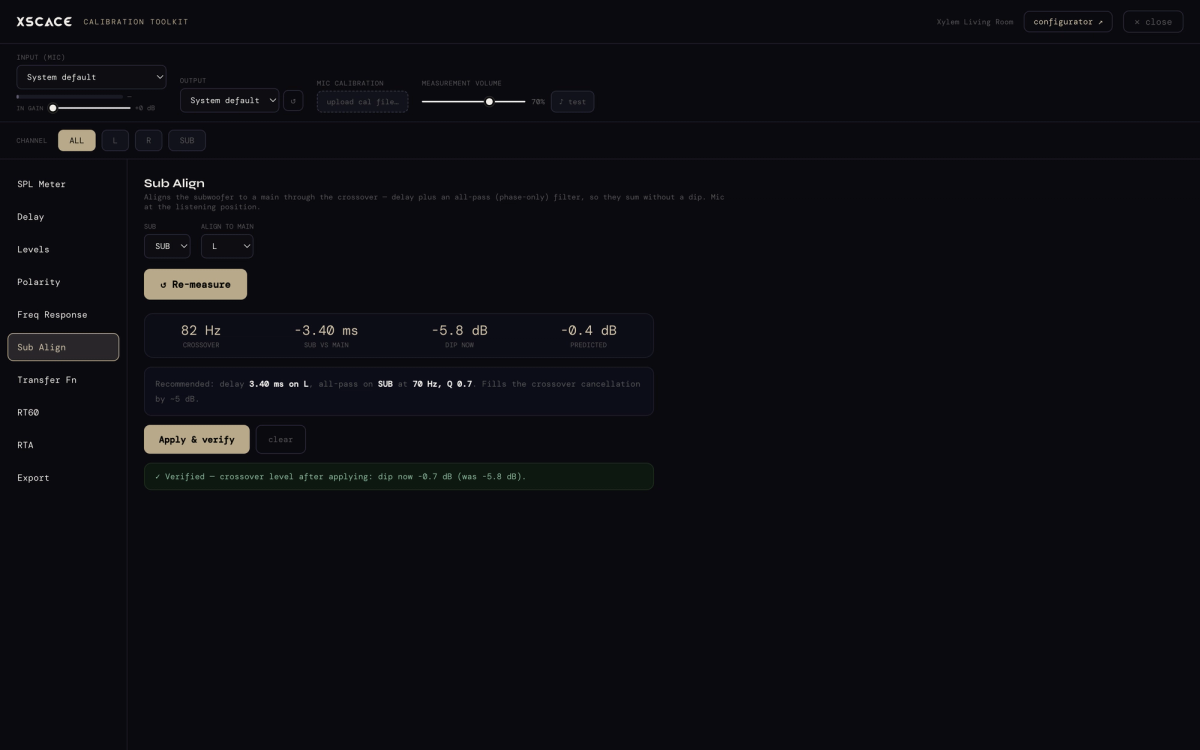
Cane runs down to 150Hz against Acacia 10 Powered's 35Hz, and the two records recommend different crossover points (200Hz and 300Hz). Which suits the room is a measurement, not a preference.