Contents4 sections
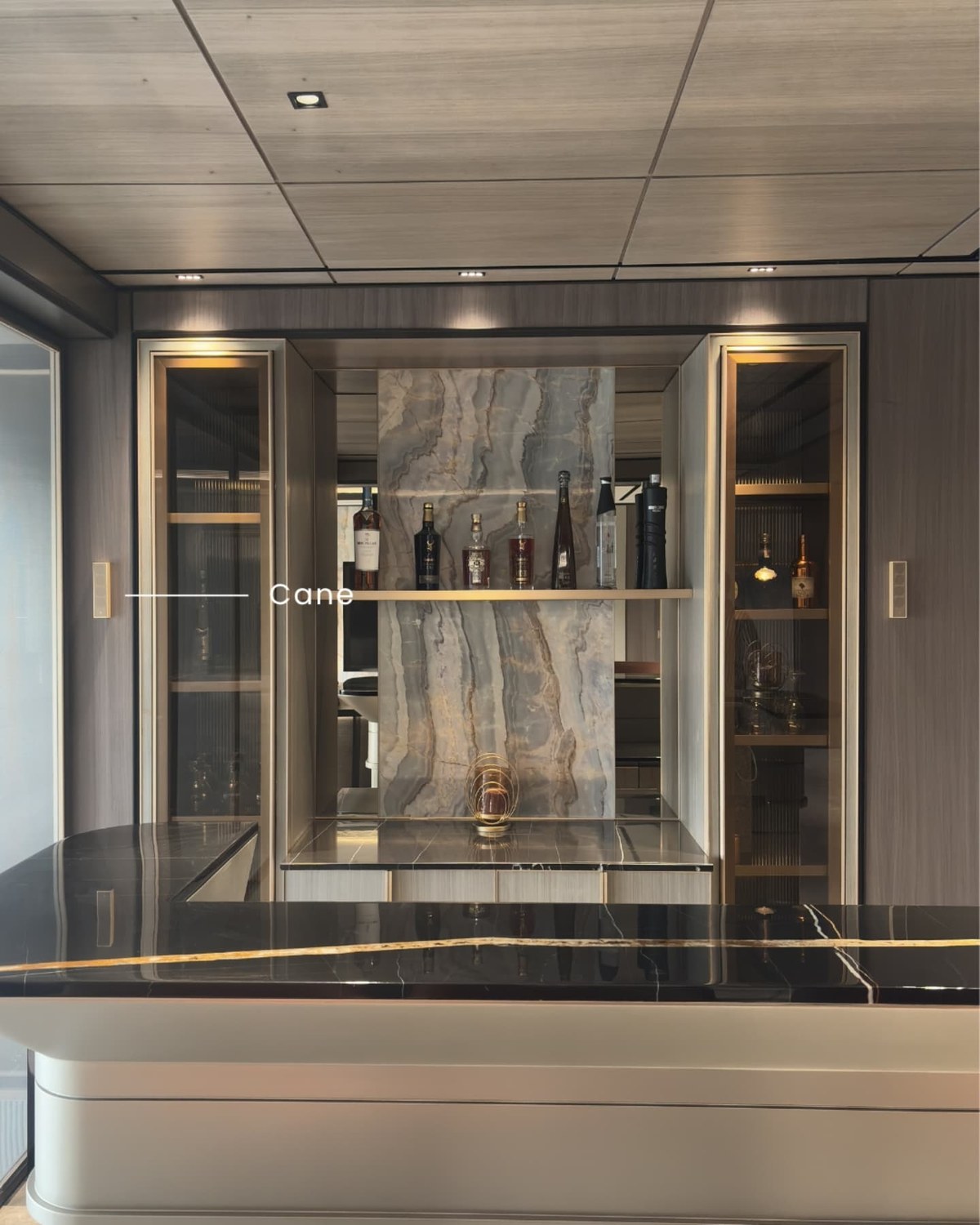
A home bar is a small room asked to do a big job: entertainment-level sound for guests, ambient listening the rest of the time, and zero visual competition with a marble backsplash and a curated bottle display. This 12×10ft bar was specified for exactly that balance.
The System
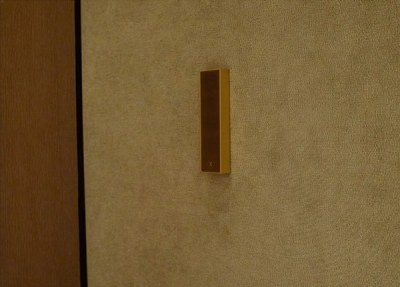
- XSCACE Cane, neatly placed beside the shelves for an overall clean look
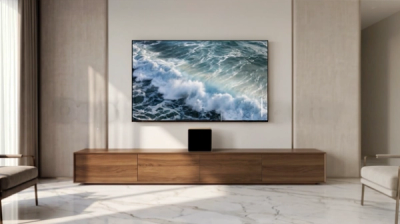
- One XSCACE Acacia 10 Powered subwoofer
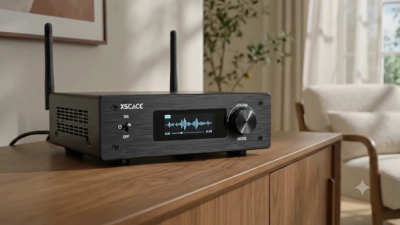
- One XSCACE Air Amp, 2.1 stereo configuration
Small Room, Reflective Surfaces
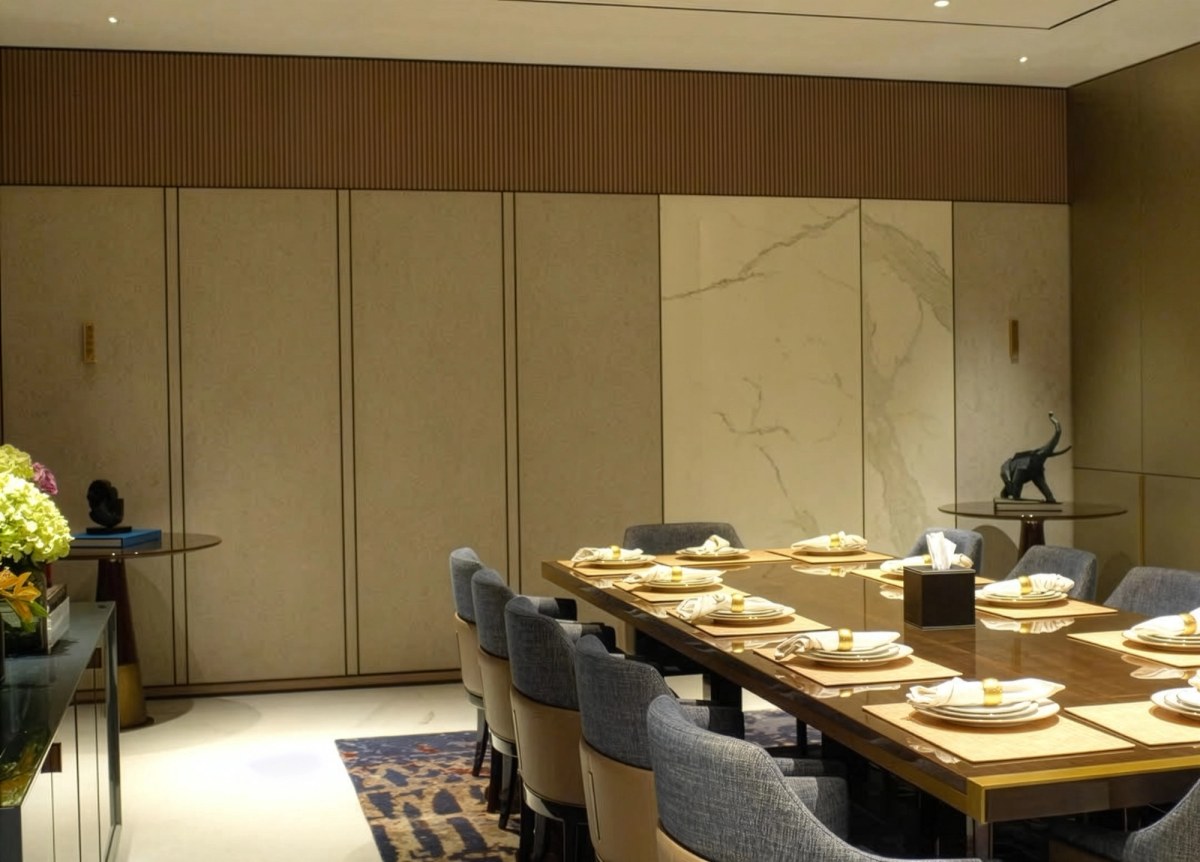
A 12x10ft room finished in marble, glass and polished stone reflects sound very differently from a fabric-and-upholstery living room — hard surfaces bounce high frequencies rather than absorbing them. A wall-mounted, directional speaker like Cane sends its output toward the listening area rather than firing broadly into a ceiling or countertop, which matters more in a small, reflective room than it would in a larger, softer-furnished one.
Case Study at a Glance
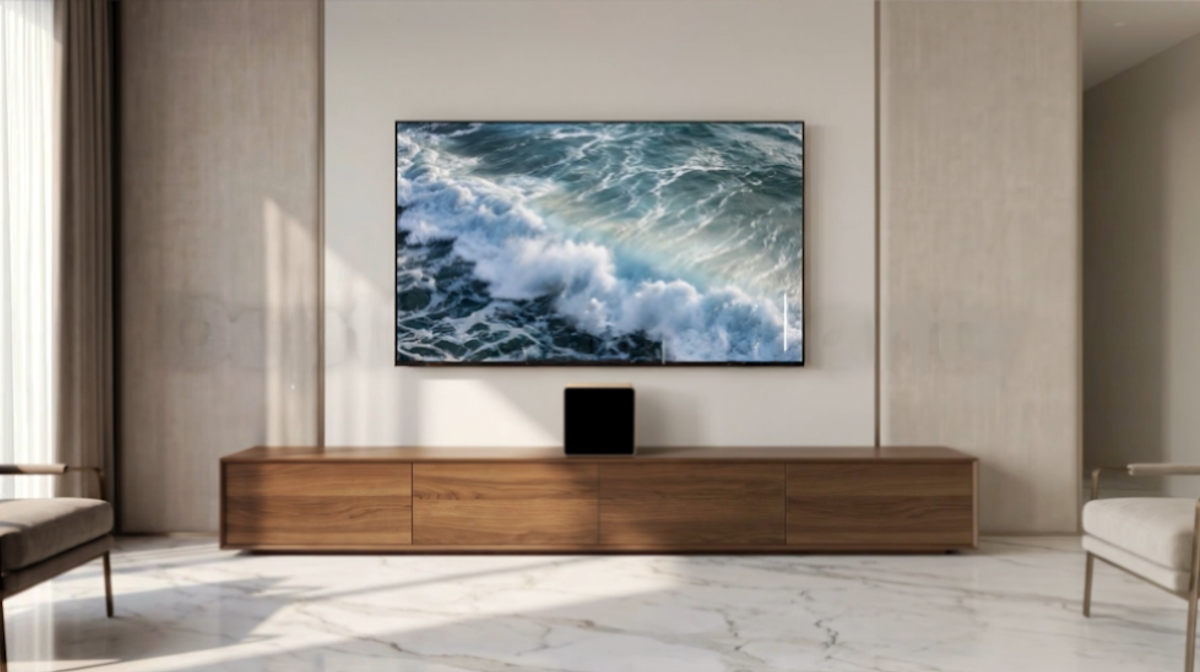
- Room: Home bar, 12×10ft
- Use case: Entertainment and ambient listening
- System: XSCACE Cane, Acacia 10 Powered, Air Amp, 2.1 stereo
- Placement: Beside the shelving for a clean, uninterrupted look
- Goal: Immersive, high-fidelity sound preserving the sleek luxury design of the bar area
See the full spec sheet for XSCACE Cane, or read the hotel lobby case study for the same system at a larger scale.
Planned, controlled and calibrated for a room that gets loud
Every XSCACE installation follows the same three stages: planned in the simulator, controlled from the app that matches the hardware, and calibrated with measurement. A bar room runs louder than the rest of the house and usually sits next to somewhere that must stay quiet.
Planned
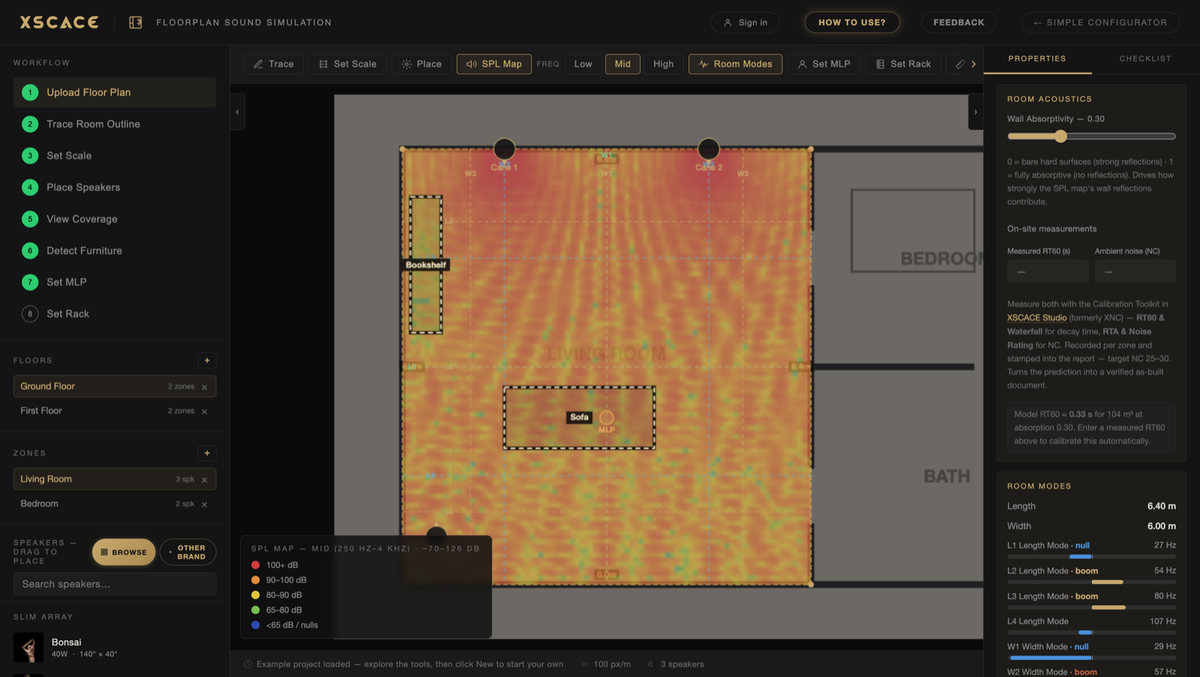
XSCACE Floorplan Sound Simulation takes a plan from trace to bill of quantities in the browser. For a room like this the outputs that matter are:
Coverage across standing positions, not seated ones
Room modes located, so bass is even rather than boomy in one corner
Placement checked against the structure the bass will otherwise excite
Controlled
Day-to-day control is XSCACE Controller on iOS and Android. It handles volume, EQ and grouping, and the streaming amplifiers also appear natively as AirPlay 2 and Spotify Connect targets, so the app is for control rather than for getting audio into the room.
Calibrated
The calibration toolkit inside XSCACE Studio measures what the room actually does — eleven instruments covering SPL, delay, levels, polarity, frequency response, THD, sub alignment, transfer function, RT60, RTA and export, free on macOS. Here the ones that earn their place are:
Sub Align, so the low end integrates instead of dominating
SPL at the positions people actually stand
THD measured as H2+H3 across 30Hz–5kHz, where a system driven hard shows strain
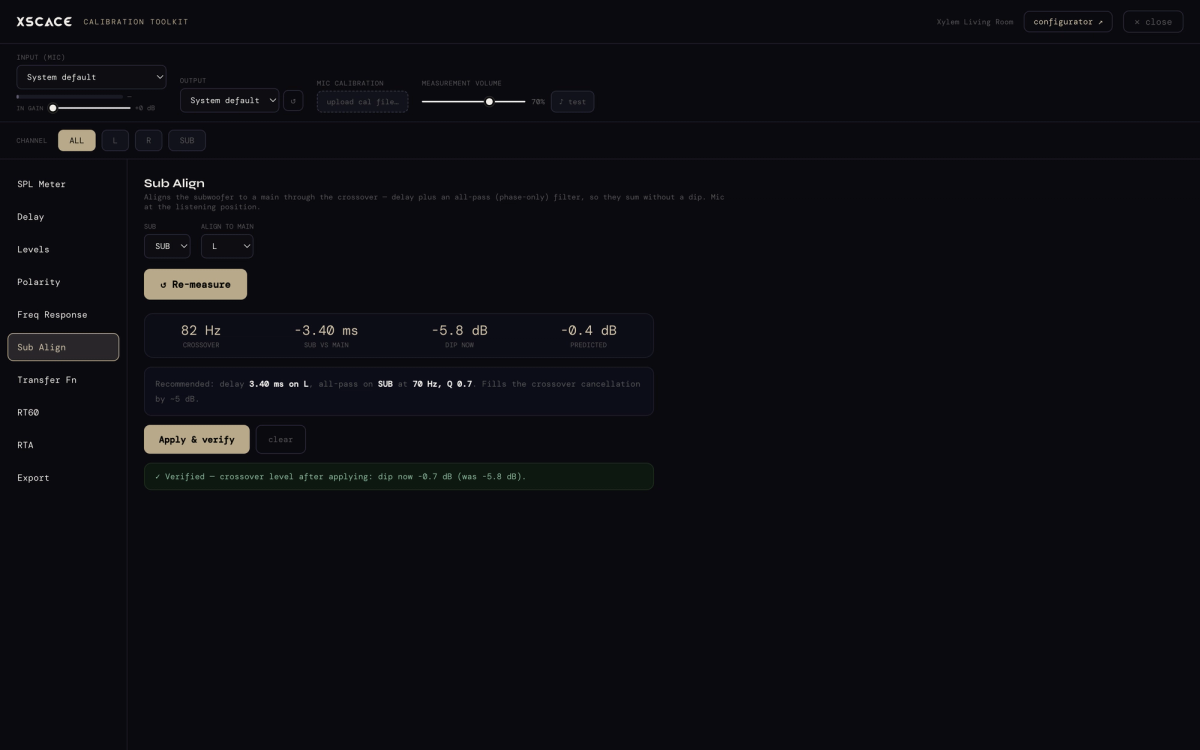
Cane runs down to 150Hz against Acacia 10 Powered's 35Hz, and the two records recommend different crossover points (200Hz and 300Hz). Which suits the room is a measurement, not a preference.