Contents6 sections
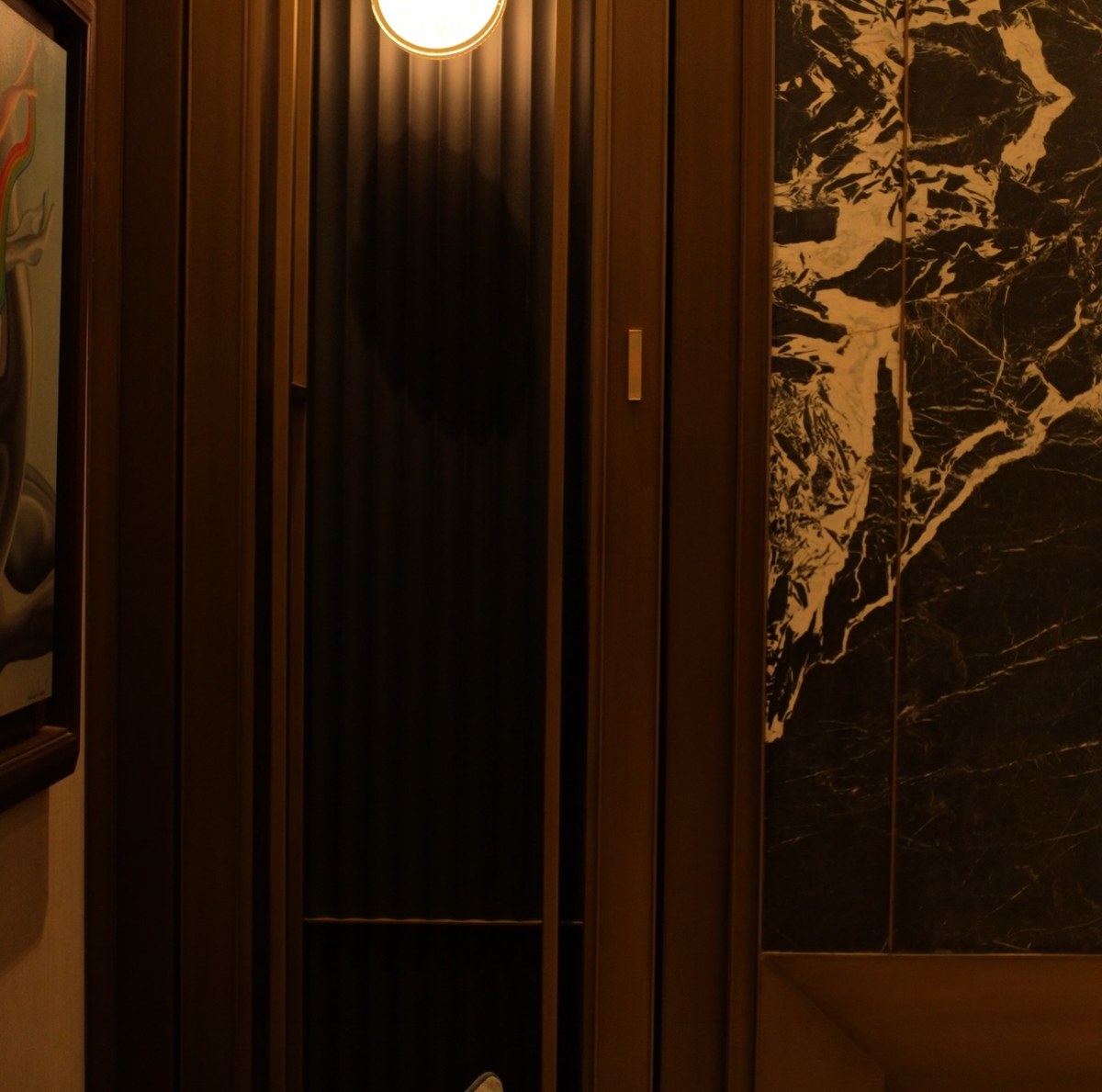
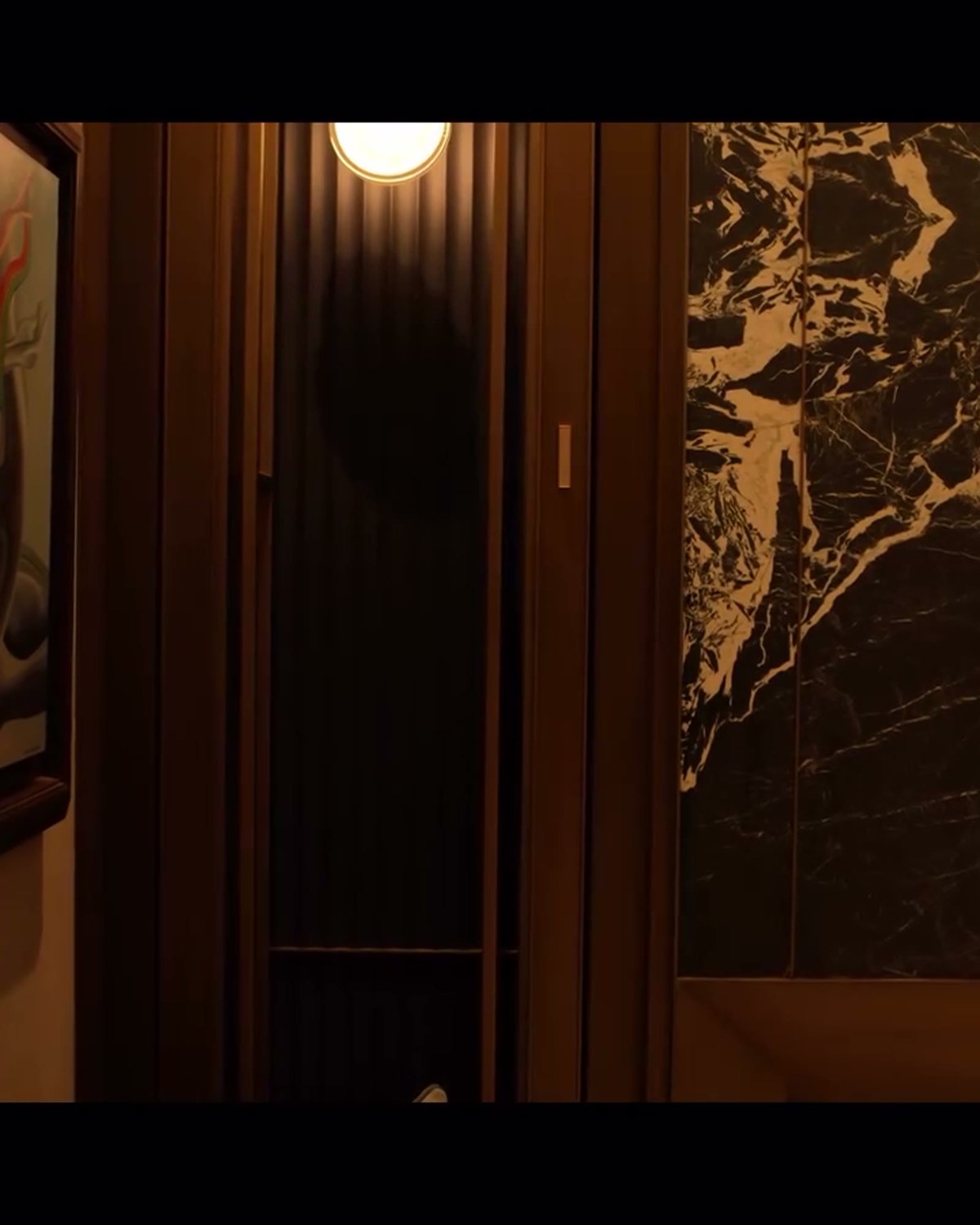
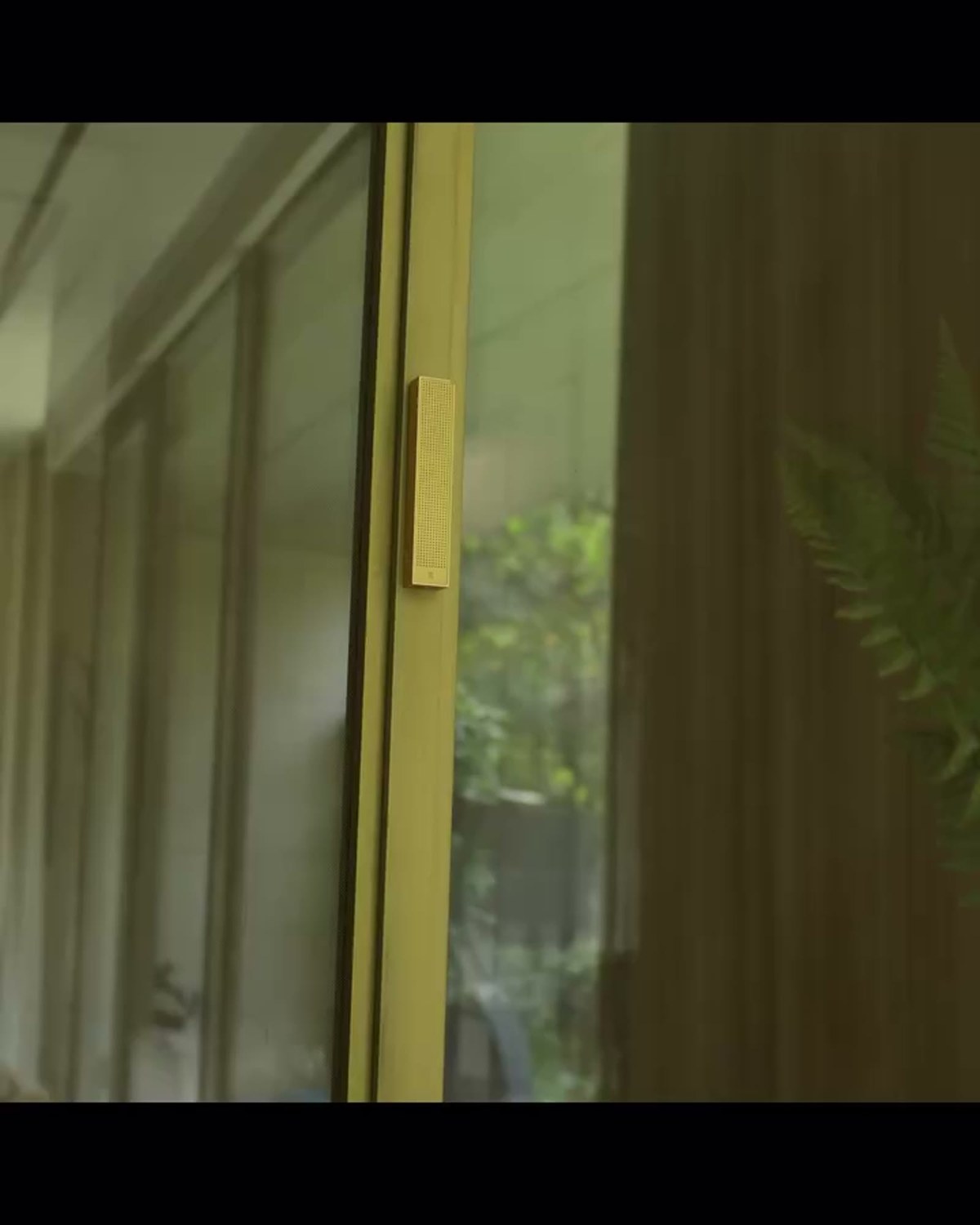
A dressing room finished with bookmatched black-and-white marble and brushed-brass hardware is designed so that the stone and metal do the visual work — anything else in the room needs to recede. This install placed Bonsai on the dark walnut veneer wardrobe doors adjacent to the marble slab, positioned so the sightline from the room's entry lands on the marble first, not the speaker.
Case Study at a Glance
- Room: dressing room / bedroom wardrobe wall
- Product: Bonsai (12mm slim-array)
- Mounting surface: dark walnut veneer wardrobe doors
- Finish: champagne aluminium, matched to brushed brass
- Goal: sound beside a bookmatched marble slab wall without cutting into the stone
Reading brass hardware as a finish reference, not just decor
Treating existing hardware finishes as a colour reference for the speaker, rather than treating wood veneer as the primary reference, is a deliberate small choice that pays off at close viewing distance — most people notice a dressing room's door pulls and track hardware up close, at exactly the range they'd also notice a mismatched speaker finish. Matching to the brass rather than the walnut meant the speaker read as intentional rather than incidental.
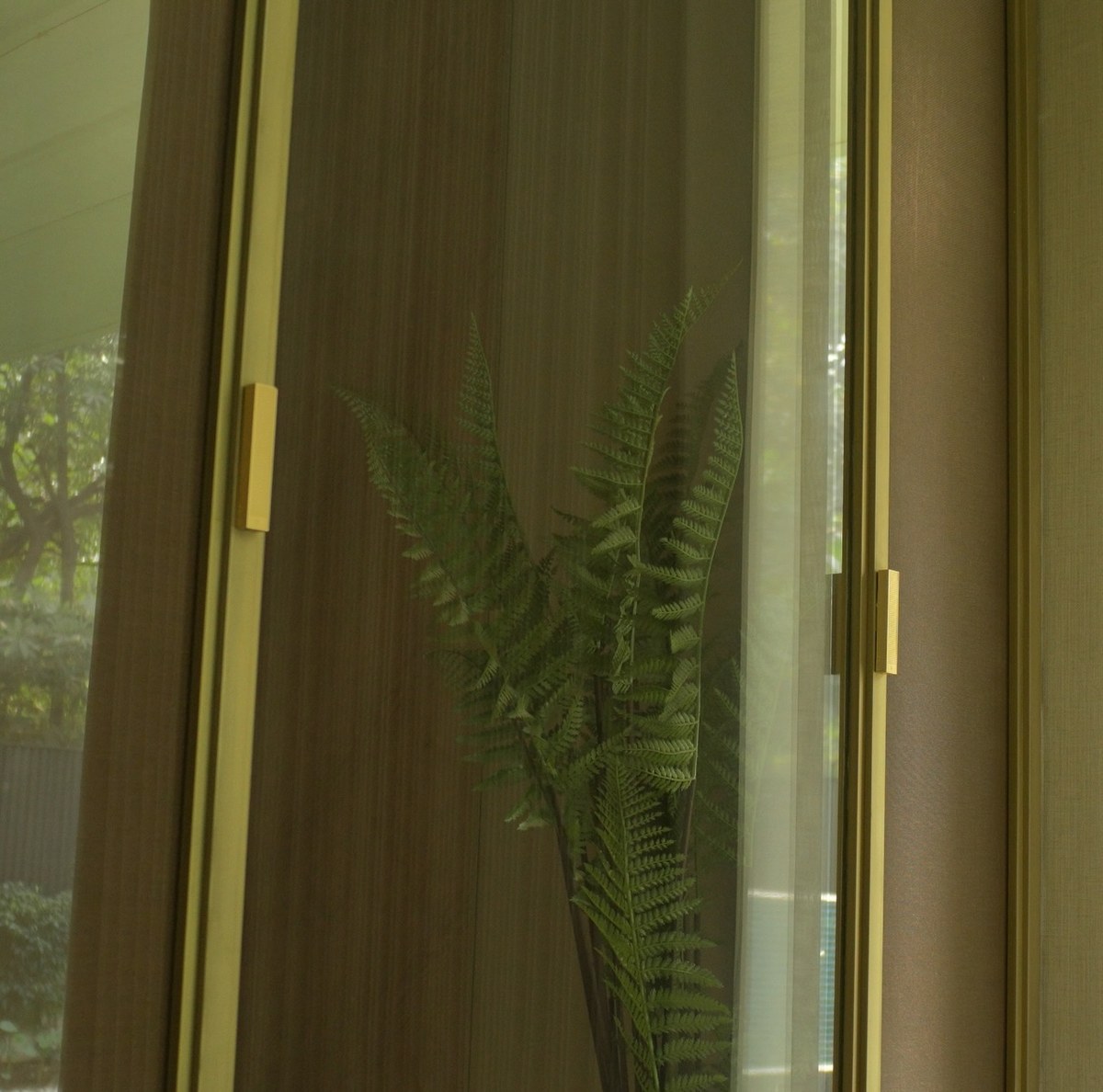
Matching finish to material
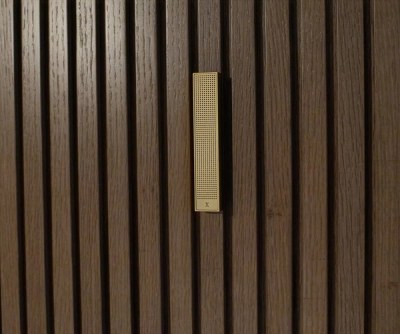
Bonsai's champagne aluminium finish was selected to echo the brushed-brass door pulls and track hardware already specified for the wardrobe, rather than trying to match the walnut veneer directly — a small detail, but one that means the speaker reads as part of the hardware family instead of a separate fixture competing with the wood grain.
Why not mount on the marble itself
Bookmatched marble slabs are chosen specifically for the mirrored veining pattern across the join — cutting or drilling into that slab for a speaker cavity would permanently disrupt the one design element the room was built around. Mounting on the adjacent wardrobe panelling instead keeps the marble wall untouched while still delivering sound to the same space.
The system
An Air Amp drives the Bonsai directly, with an Acacia 6 Powered subwoofer sited outside the dressing room in an adjacent closet space to extend bass response without adding enclosure volume to a room already tightly planned around wardrobe storage.
Planned, controlled and calibrated for low-level listening
Every XSCACE installation follows the same three stages: planned in the simulator, controlled from the app that matches the hardware, and calibrated with measurement. A bedroom is used quietly, and quiet listening is unforgiving — at low level, timing and tonal balance are all that is left.
Planned
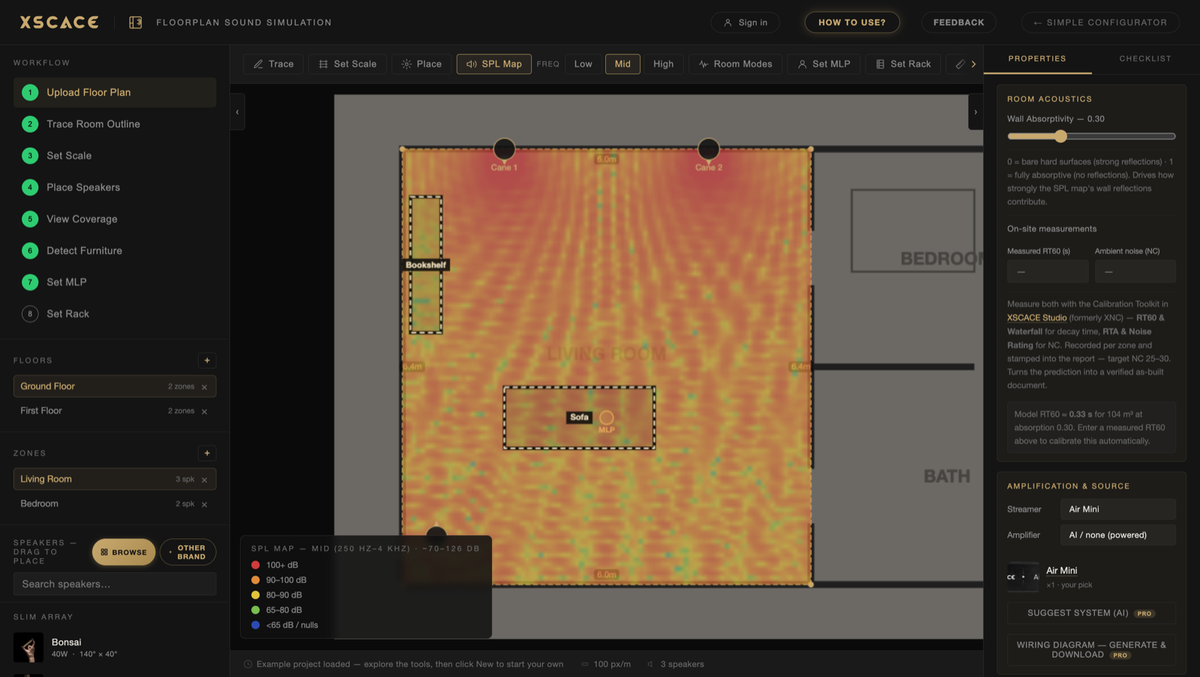
XSCACE Floorplan Sound Simulation takes a plan from trace to bill of quantities in the browser. For a room like this the outputs that matter are:
Coverage at the bed, the one position that matters
Placement checked against soft furnishing, which absorbs unevenly across frequency
Quantities and finishes agreed before joinery is cut
Controlled
Day-to-day control is XSCACE Controller on iOS and Android. It handles volume, EQ and grouping, and the streaming amplifiers also appear natively as AirPlay 2 and Spotify Connect targets, so the app is for control rather than for getting audio into the room.
Calibrated
The calibration toolkit inside XSCACE Studio measures what the room actually does — eleven instruments covering SPL, delay, levels, polarity, frequency response, THD, sub alignment, transfer function, RT60, RTA and export, free on macOS. Here the ones that earn their place are:
Levels matched channel to channel, so the image sits where it should
RT60 to ISO 3382 — soft rooms measure very differently from the rest of a house
Frequency response, because tonal balance is what carries at low volume
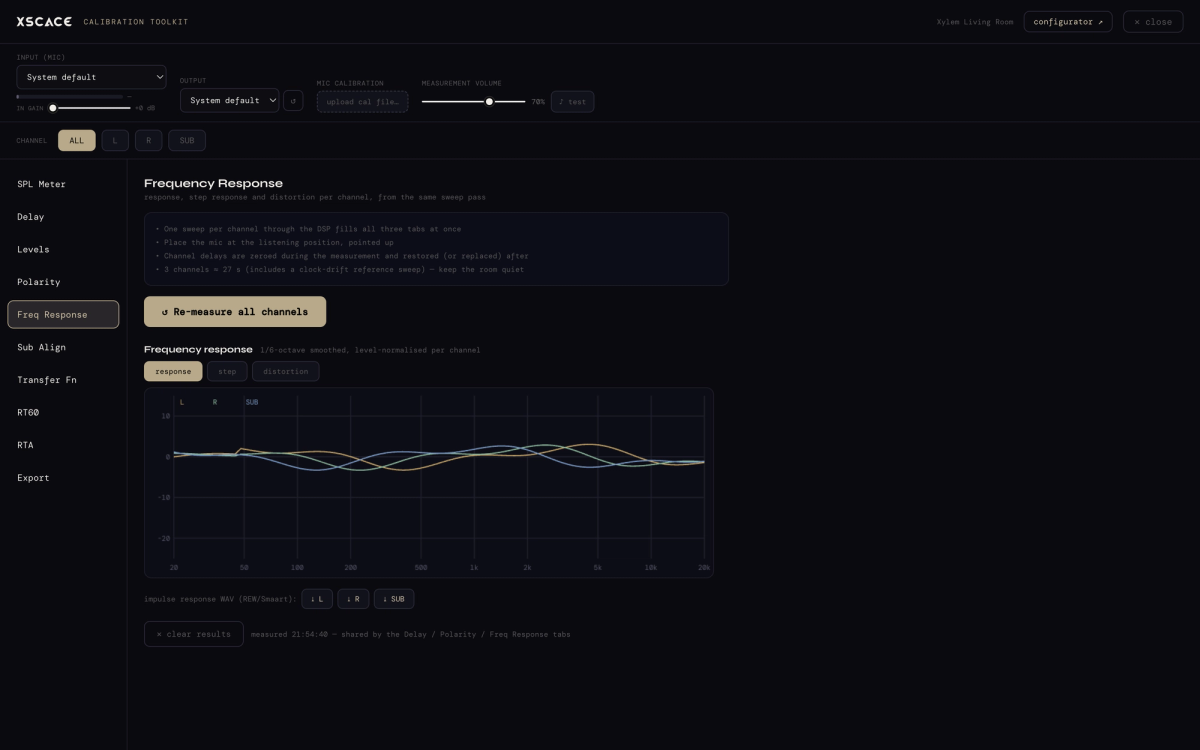
Bonsai runs down to 300Hz and Acacia 6 Powered reaches 35Hz, meeting at the 300Hz crossover both records specify — a number to verify by measurement rather than assume.