Contents6 sections
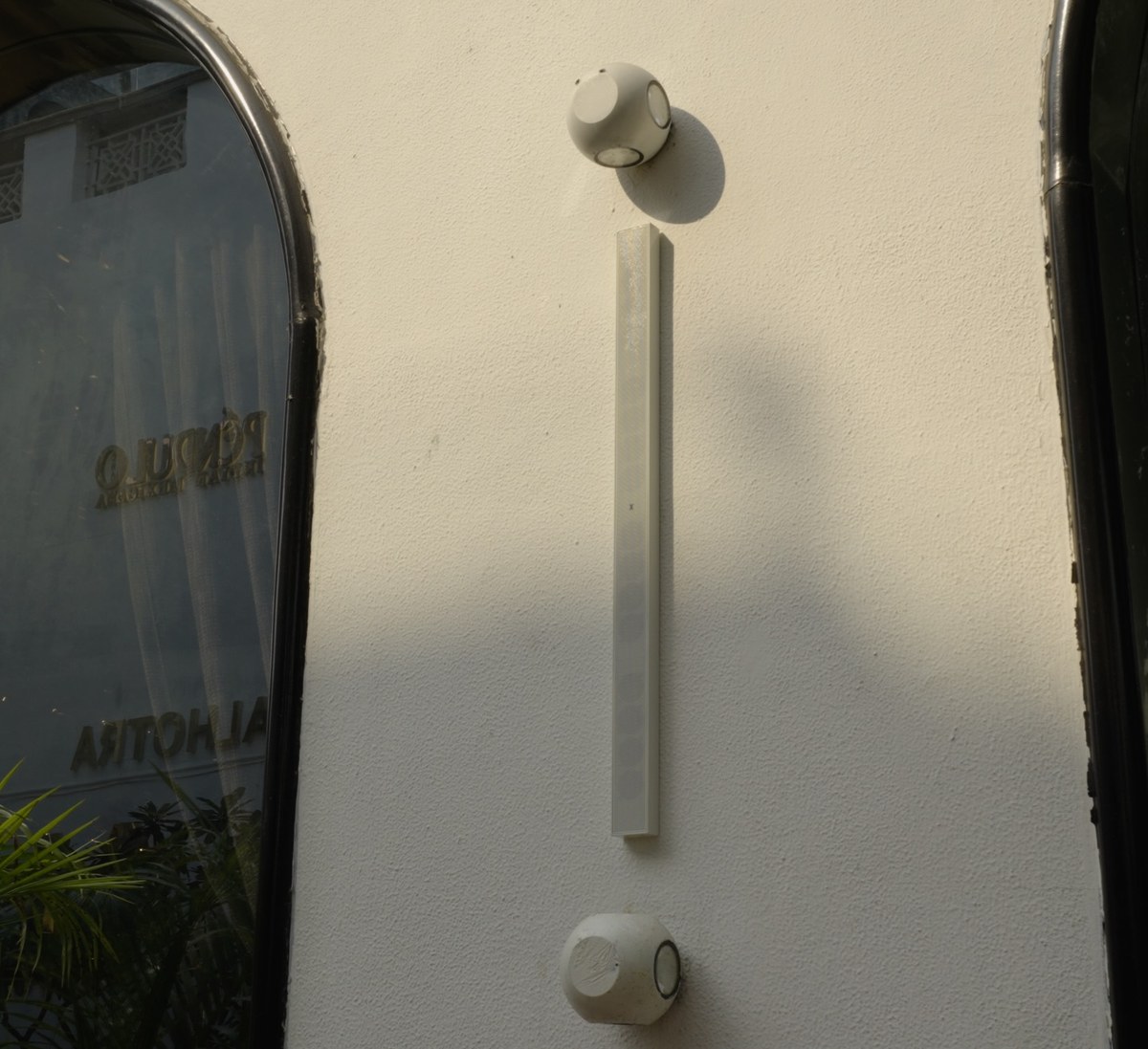
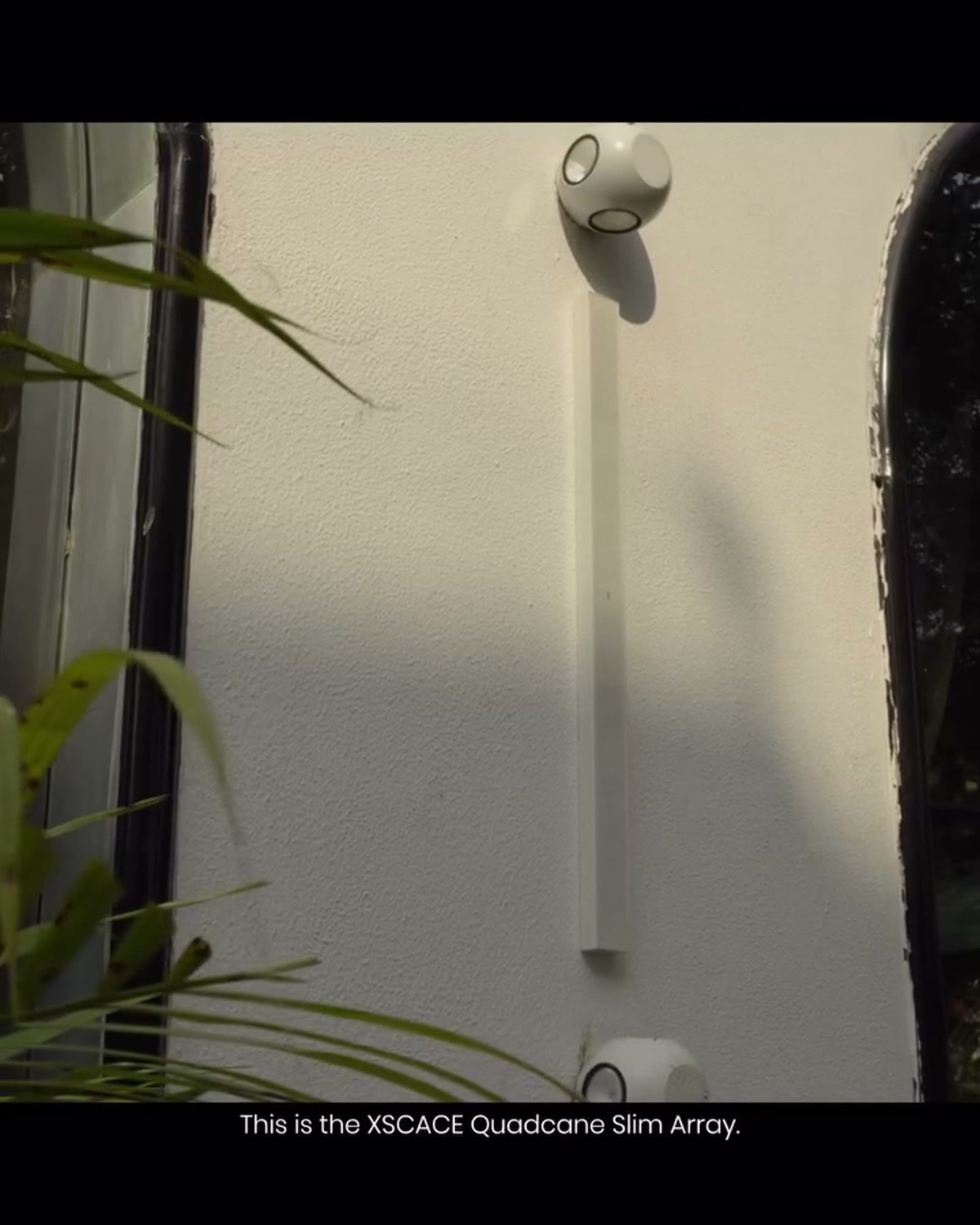
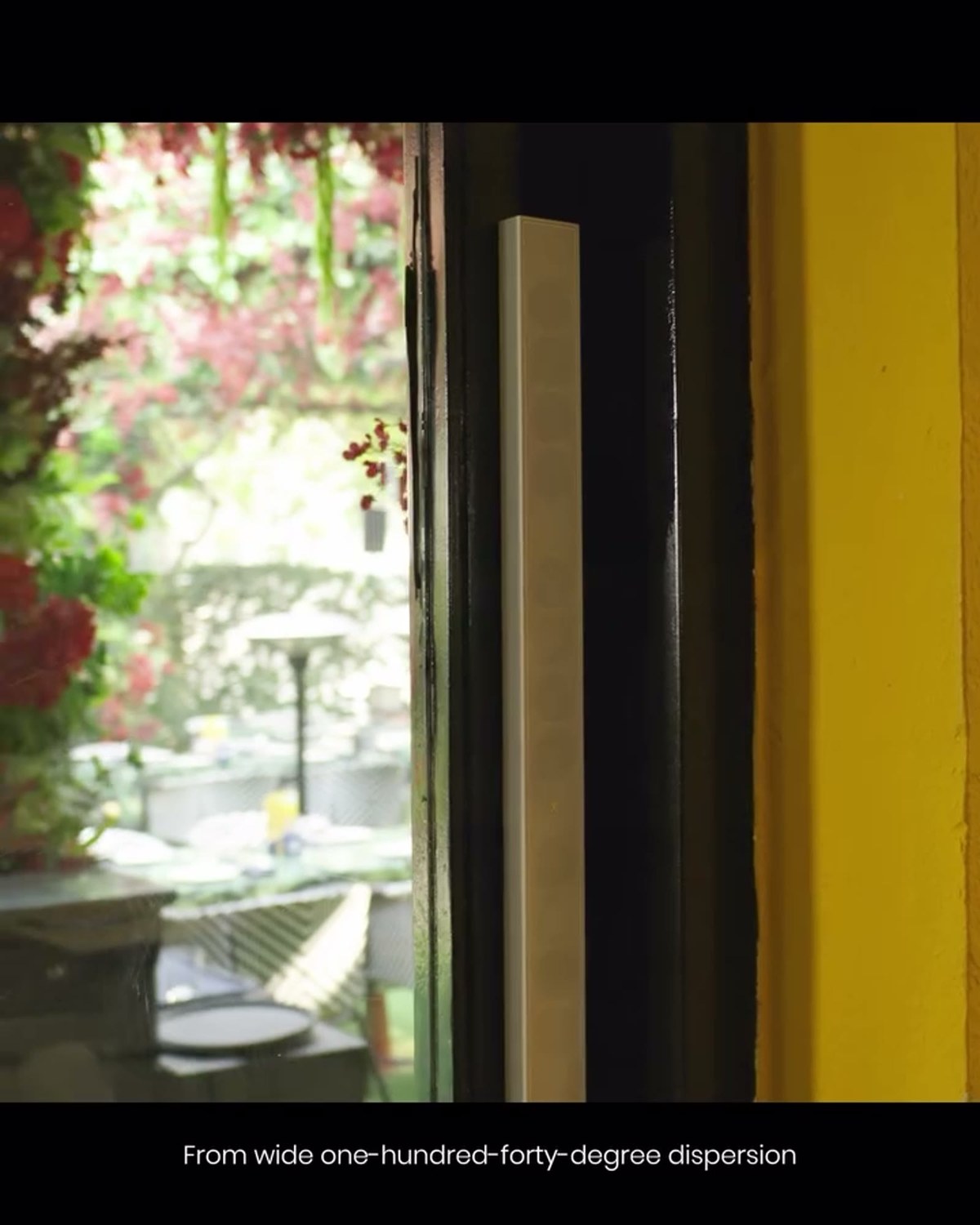
A restaurant exterior with a textured cream stucco facade, arched black-framed windows and potted palms needed sound that carried from the entrance through to a flower-canopied garden dining patio with string lighting — one continuous outdoor dining experience rather than disconnected zones. White-finish QuadCane speakers were mounted on the facade between the arched windows, continuing through to the garden patio doorframe.
Case Study at a Glance
- Zones: exterior stucco facade, mirrored bar counter, garden dining patio
- Product: QuadCane (21mm, 16-driver, 100W RMS, 95dB)
- Mounting surface: textured stucco + doorframe
- Finish: white aluminium
- Goal: continuous coverage from entrance facade through to garden dining
Sixteen drivers versus a single driver for exterior coverage
QuadCane's sixteen-driver array isn't simply about raw output — it also changes the speaker's dispersion characteristics, spreading sound across a wider horizontal arc than a single-driver design of similar size. For an exterior facade covering an entrance and adjoining patio, that wider dispersion matters more than peak volume, since guests are spread across a wide seating and walking area rather than concentrated in front of the speaker.
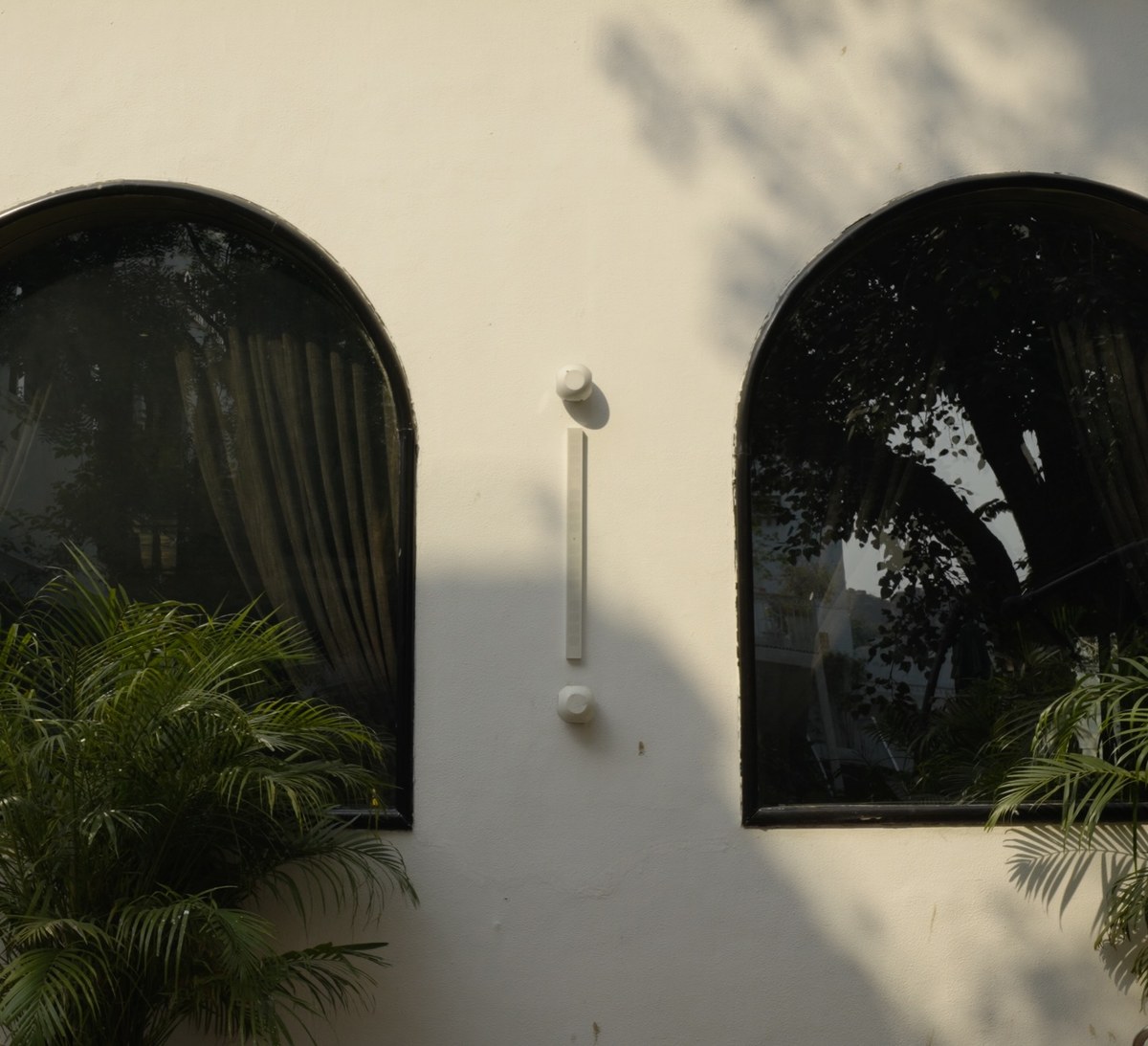
Sixteen drivers for wider outdoor coverage
QuadCane's sixteen-driver array gives it 95dB sensitivity and 100W RMS power handling — meaningfully more than a single-driver slim-array speaker — which matters for exterior hospitality coverage where sound has to compete with open air, ambient outdoor noise, and a wider dispersion area than an indoor room.
From facade to patio doorframe
The same white QuadCane finish continued from the exterior stucco facade to a black-and-yellow doorframe overlooking the flower-canopied dining patio — matching the finish across a transition point in the architecture, rather than switching colours between the more formal facade and the more relaxed garden dining area.
The system
A Lucifer 4 amplifier drives the restaurant's QuadCane array, sized for the wider power demands of a multi-zone exterior hospitality install.
How this room was planned, controlled and calibrated
Every XSCACE installation follows the same three stages: planned in the simulator, controlled from the app that matches the hardware, and calibrated with measurement. A commercial room is judged on consistency — the table by the window should hear what the table by the bar hears.
Planned
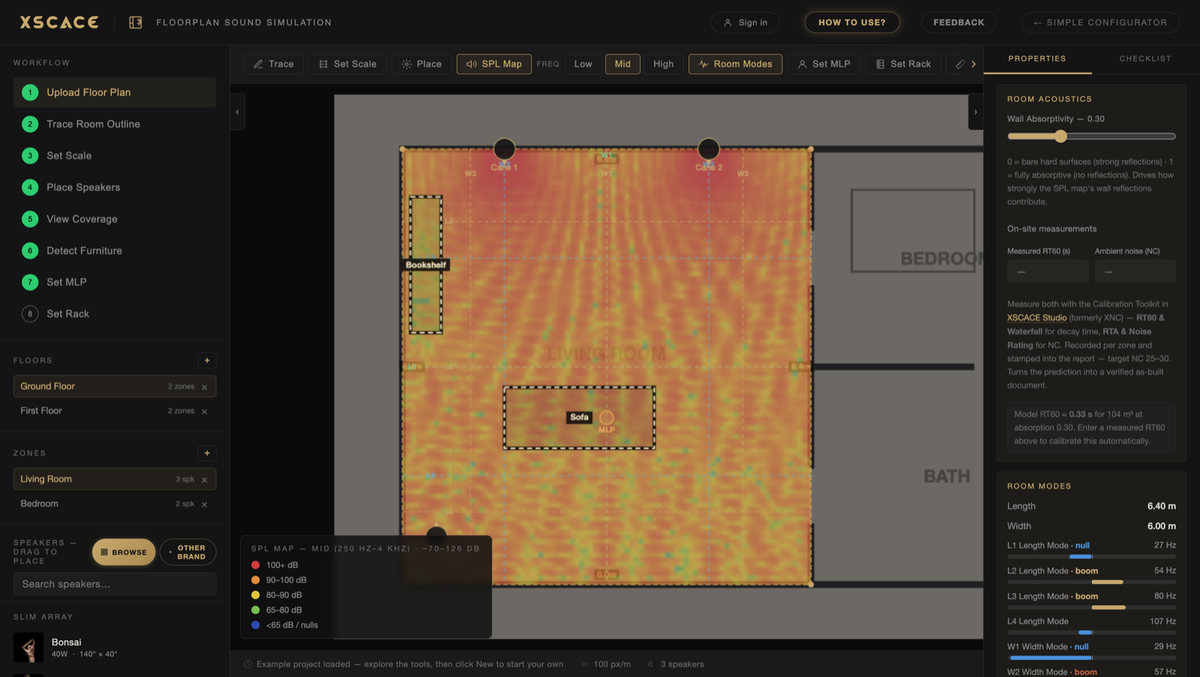
XSCACE Floorplan Sound Simulation takes a plan from trace to bill of quantities in the browser. For a room like this the outputs that matter are:
Coverage checked table by table, so no seat is the bad seat
Room modes located before the fit-out covers the structure
A bill of quantities the operator can price against
Controlled
The amplifier is configured and controlled from XSCACE Studio on macOS — routing matrix, per-channel gain and delay, parametric EQ, crossovers and limiting, with network-wide discovery rather than one amplifier at a time.
Calibrated
The calibration toolkit inside XSCACE Studio measures what the room actually does — eleven instruments covering SPL, delay, levels, polarity, frequency response, THD, sub alignment, transfer function, RT60, RTA and export, free on macOS. Here the ones that earn their place are:
RTA noise rating, NC-15 to NC-65, setting the level the system must clear once the room is full
SPL measured at each zone against the design target
RT60 to ISO 3382, showing whether hard surfaces need treating as well as covering
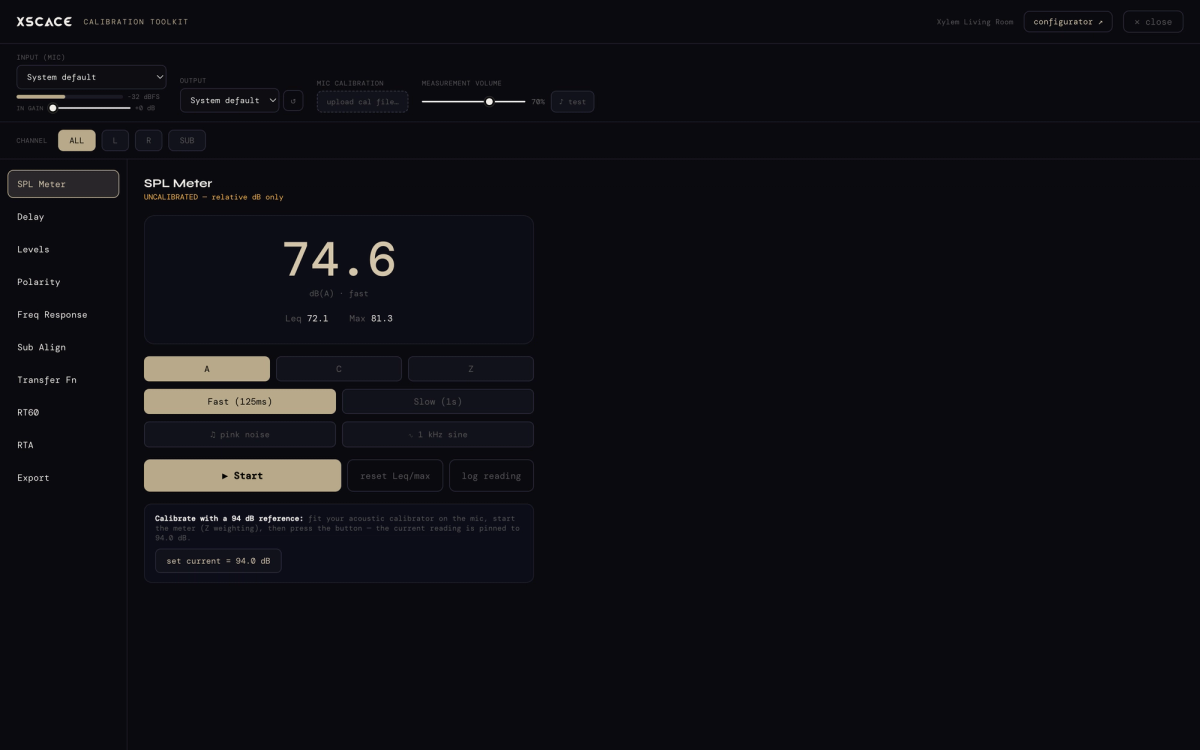
QuadCane publishes 95dB sensitivity and a 116dB maximum SPL — the figures the coverage prediction works from, and the ones the finished room should measure.