Contents6 sections
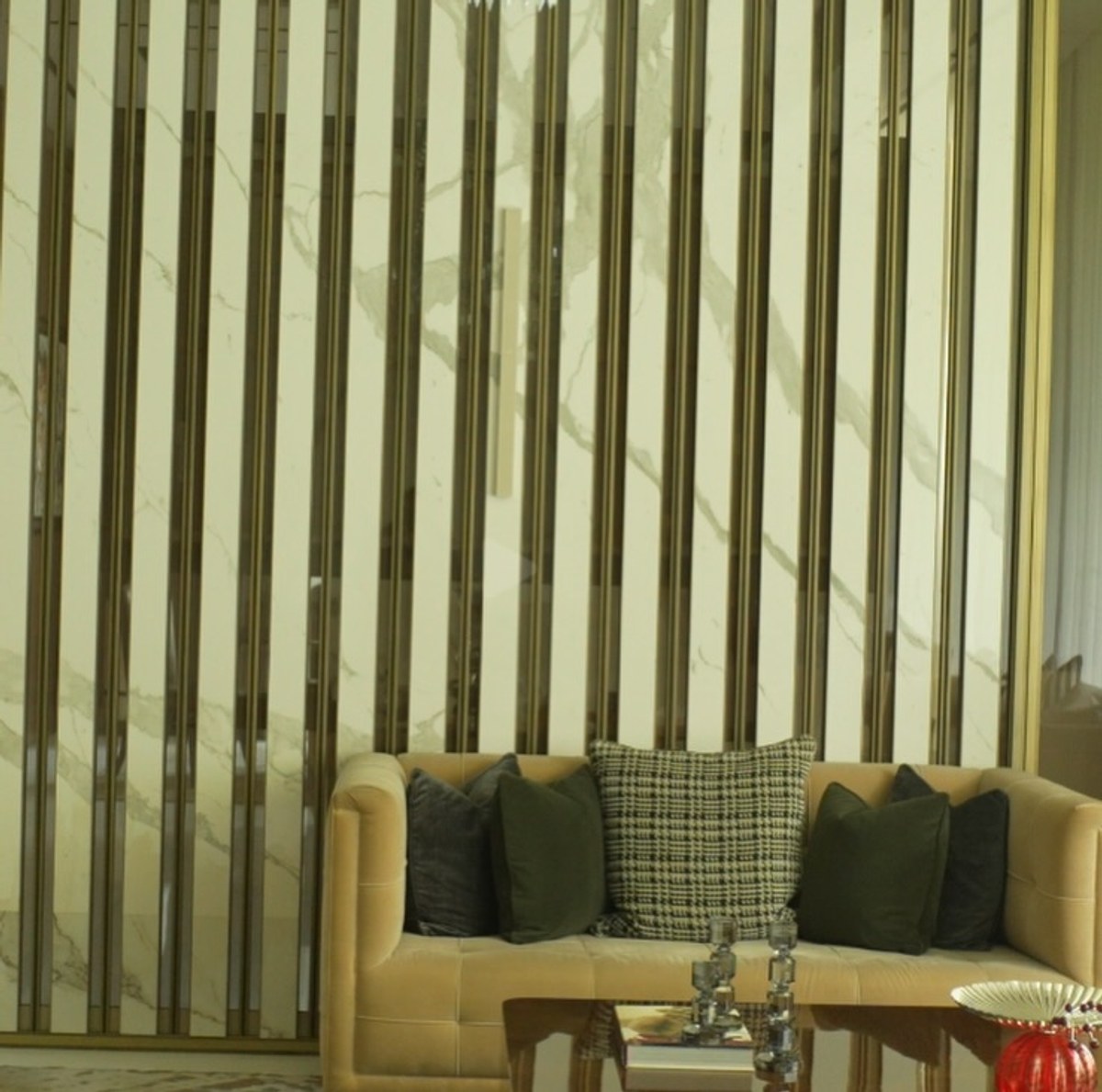
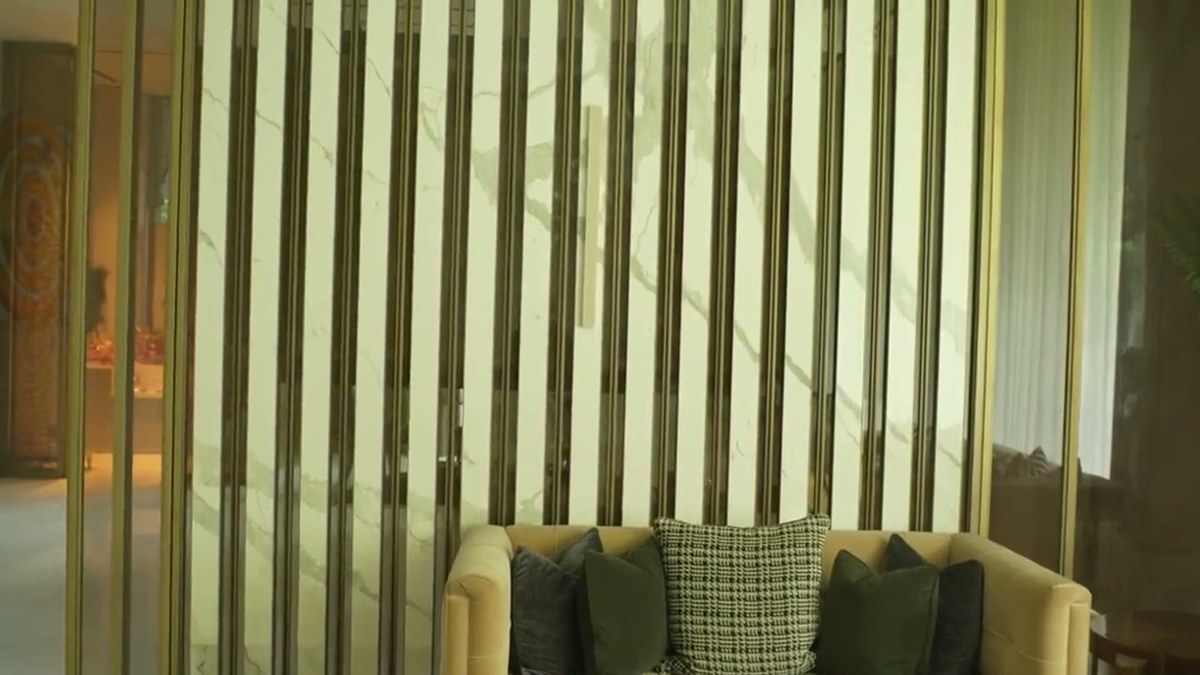
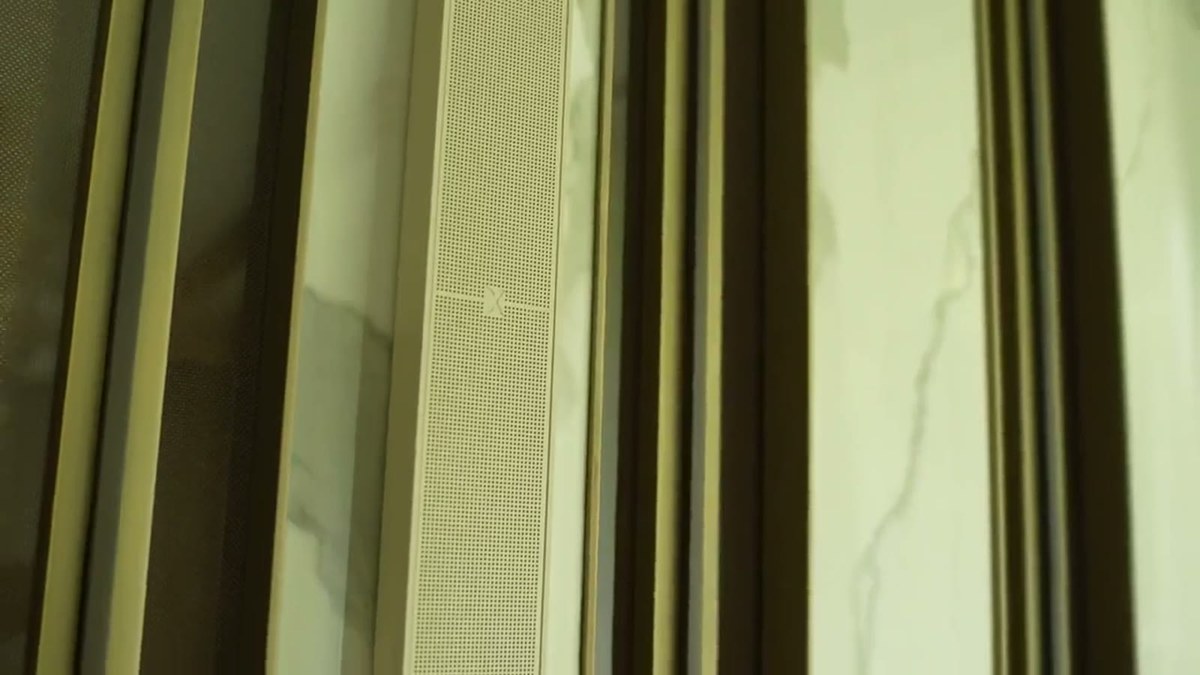
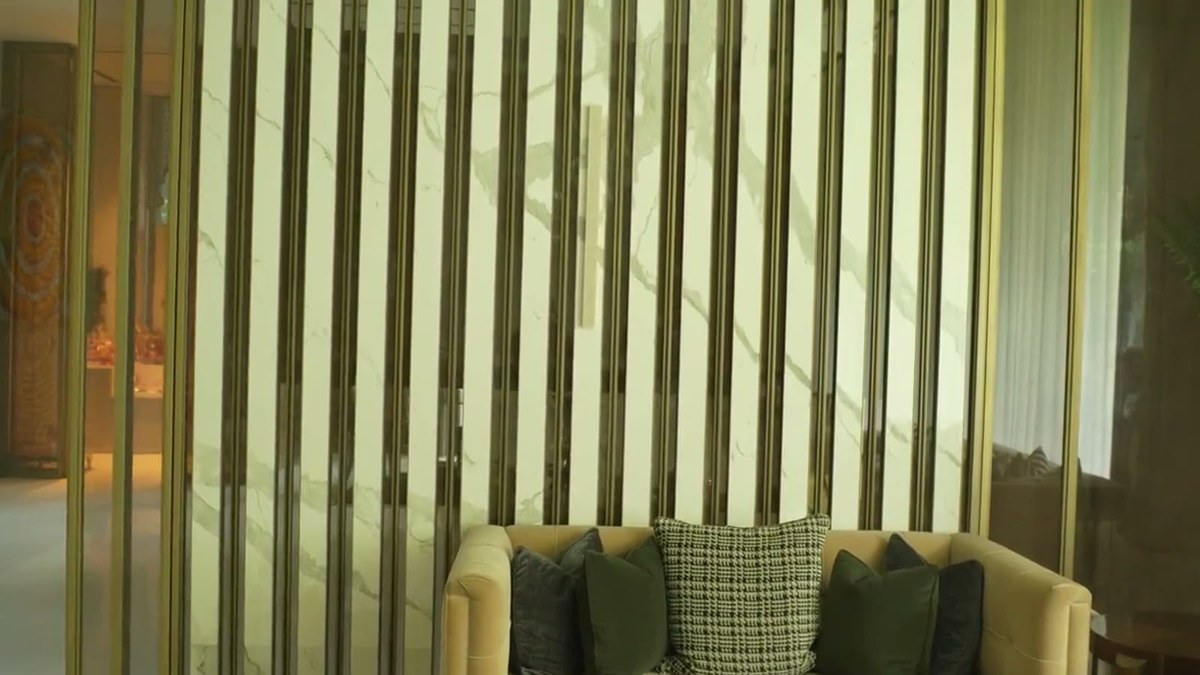
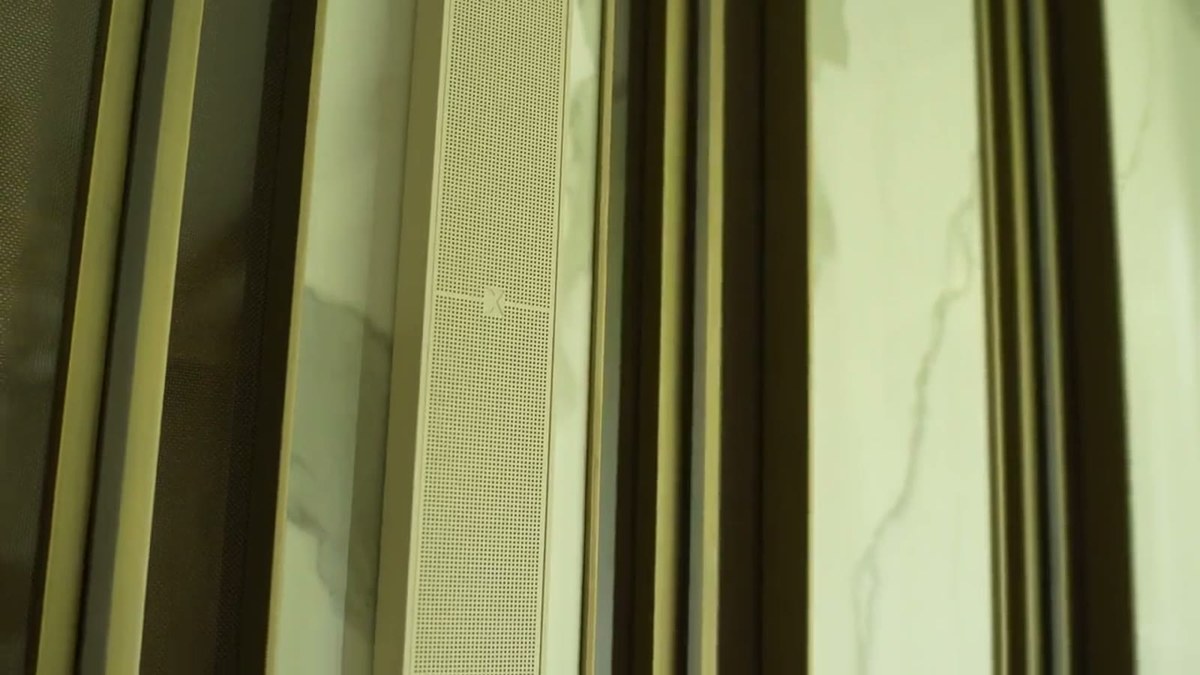
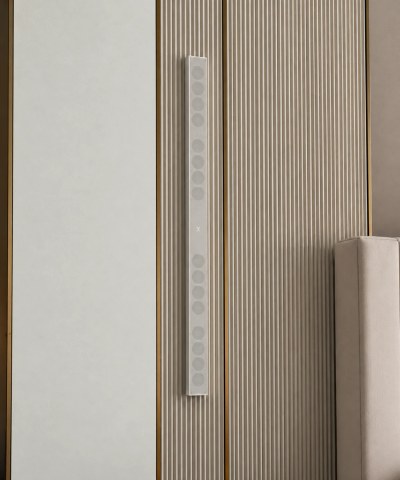
A living room feature wall combining a white-and-grey Calacatta-style marble slab with vertical bronze and brass fluted trim strips gave this install a natural place to hide a speaker in plain sight: champagne-finish QuadCane was positioned directly within the metal fluting, using the trim's own vertical lines as camouflage rather than trying to disappear against the marble itself.
Case Study at a Glance
- Room: living room feature wall
- Product: QuadCane (21mm, 16-driver, 100W RMS)
- Mounting surface: Calacatta-style marble with vertical brass fluted trim
- Finish: champagne aluminium
- Goal: use existing architectural trim as camouflage rather than matching the marble
Full-range listening in a general living space
Unlike a dedicated media room built around one activity, a general living room needs to handle a wider range of use cases — casual background music at low volume, a film night at higher volume with more low-frequency demand, occasional louder entertaining. QuadCane's full 150Hz–20kHz range and 100W RMS ceiling give it the flexibility to cover that range of uses well, rather than being optimised narrowly for one listening scenario.
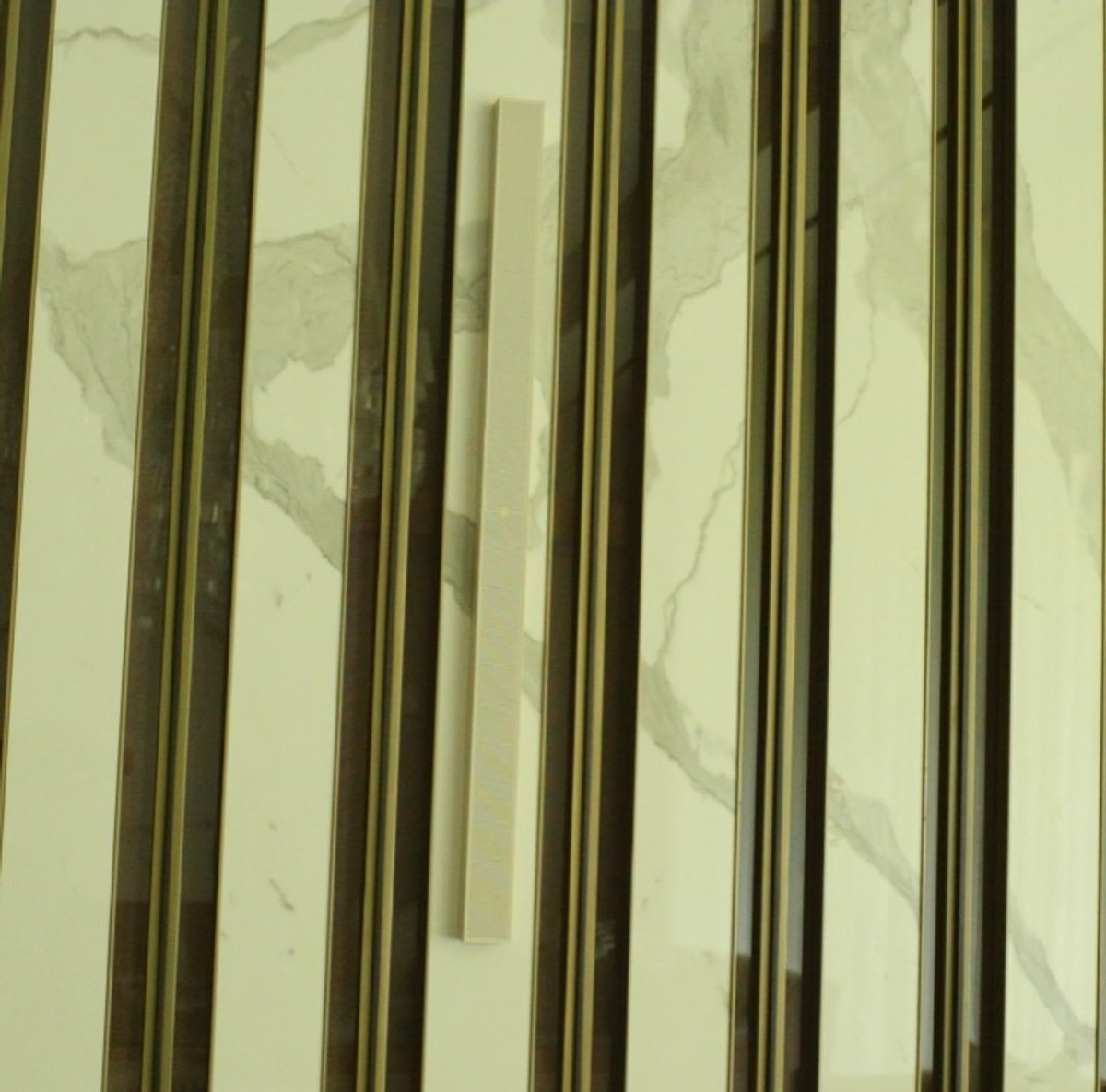
Using architectural trim as camouflage
Rather than matching the marble's white-and-grey veining — difficult for any speaker finish to do convincingly — this install matched the adjacent brass fluting instead. QuadCane's slim vertical profile sat naturally within the metal trim's rhythm, effectively using the room's own architectural detailing as cover.
A living room built for both film and music
The room's tan velvet sofa, olive and houndstooth cushions, and crystal decor objects suggest a room used for both everyday living and more considered entertaining — QuadCane's 100W RMS and full 150Hz–20kHz range give it the headroom to handle both casual background listening and more demanding film or music sessions.
The system
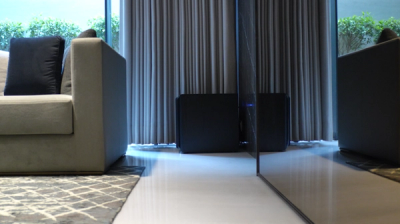
A Juniper subwoofer (350W RMS, 25Hz–200Hz) extends the room's low end below QuadCane's native range, driven alongside the QuadCane array by a Xylem DSP amplifier for full room correction.
Planned, controlled and calibrated
Every XSCACE installation follows the same three stages: planned in the simulator, controlled from the app that matches the hardware, and calibrated with measurement. A living room has one or two seats that matter and a great many surfaces that do not cooperate.
Planned
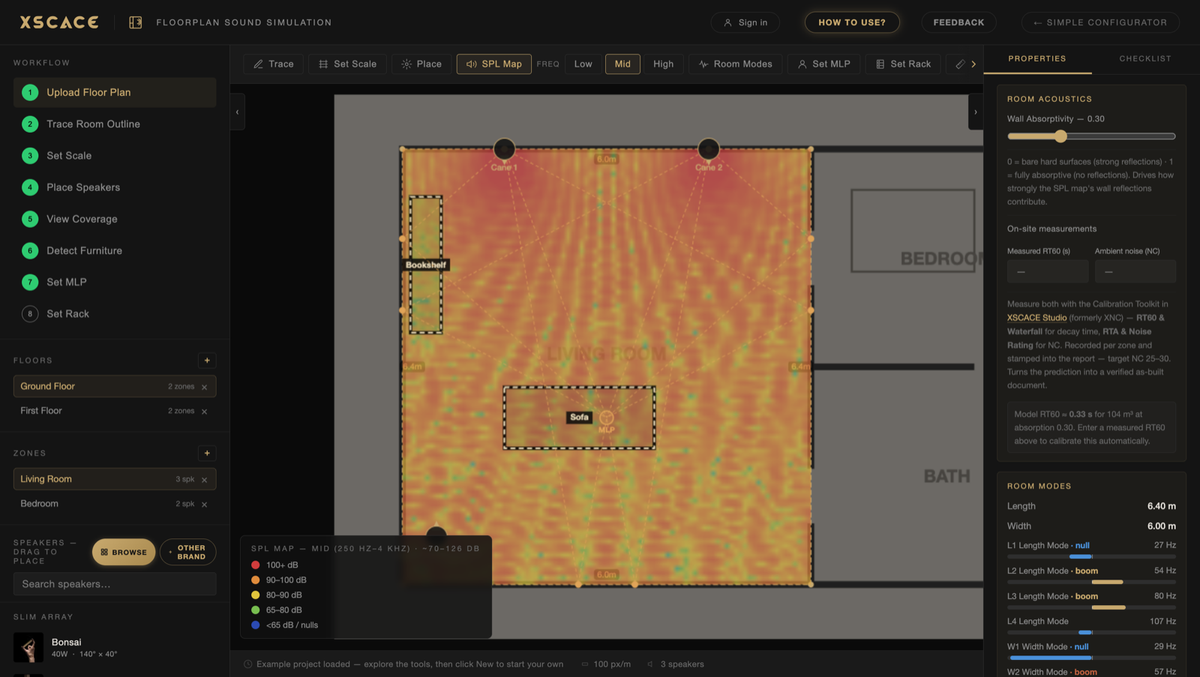
XSCACE Floorplan Sound Simulation takes a plan from trace to bill of quantities in the browser. For a room like this the outputs that matter are:
Coverage at the seating position rather than the room centre
First-reflection points flagged, which decides placement more often than taste does
Room modes located, so uneven bass is designed out rather than equalised later
Controlled
Which control app applies depends on the amplifier the speakers are driven from: XSCACE Controller for the Air streaming amplifiers, and XSCACE Studio for the Xylem, Root and Lucifer DSP amplifiers.
Calibrated
The calibration toolkit inside XSCACE Studio measures what the room actually does — eleven instruments covering SPL, delay, levels, polarity, frequency response, THD, sub alignment, transfer function, RT60, RTA and export, free on macOS. Here the ones that earn their place are:
Delay and polarity from a single sweep per channel
Sub Align, which integrates the subwoofer then re-measures to prove the correction
Frequency response at the listening position, not at the speaker
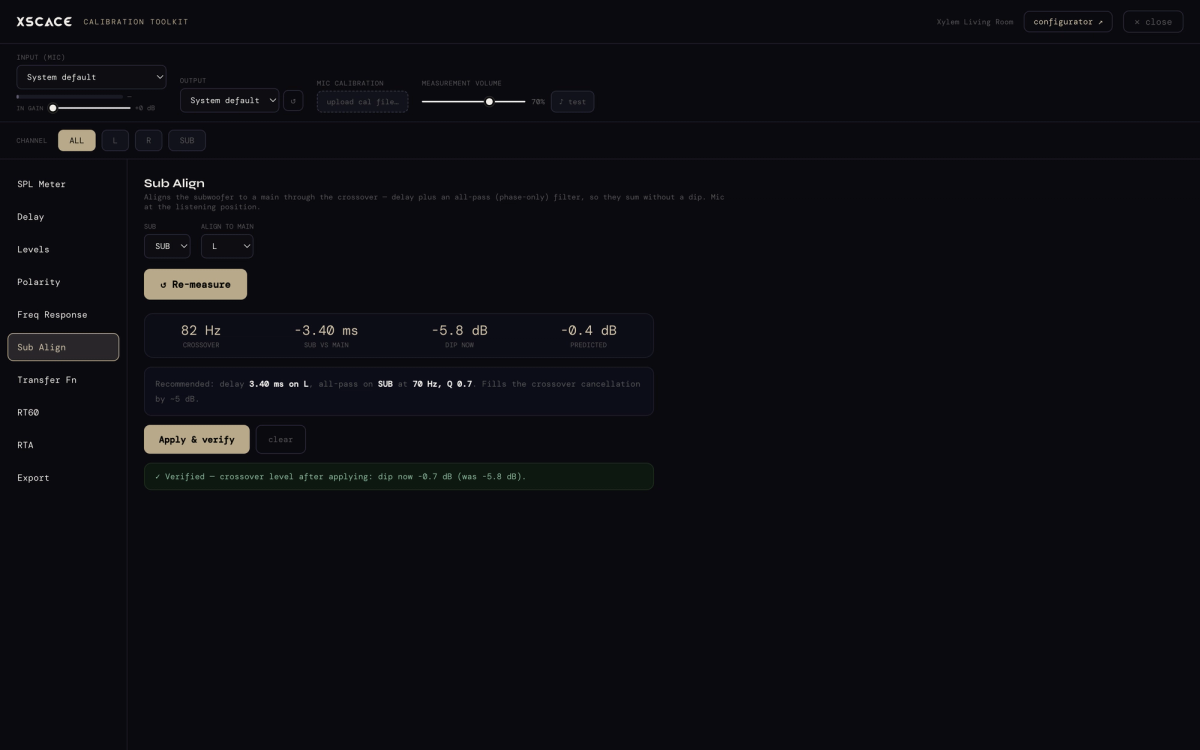
QuadCane runs down to 150Hz and Juniper reaches 25Hz, meeting at the 200Hz crossover both records specify — a number to verify by measurement rather than assume.